[-] JackbyDev@programming.dev 1 points 2 days ago

Maybe only the one on the right is a screen so you can diagnose things, but the rest are paper?

[-] JackbyDev@programming.dev 3 points 2 days ago

They're pushing hard for them in Georgia. I get a lot of ads on YouTube about how Georgia Power has recently locked in a rate for three years. (I believe they're ignoring that it shot up a lot prior to this, but I might be mistaken.) It's so weird seeing ad campaigns that are targeting businesses instead of individuals (or at least individuals working for businesses).

[-] JackbyDev@programming.dev 2 points 2 days ago

Carpenter bees are so cool. I love them. They don't ever dart at me either. Usually just other carpenter bees. My recollection is the males have white dots in their heads and don't have stingers at all, and they're the ones that typically guard the best (by hovering around).

[-] JackbyDev@programming.dev 2 points 2 days ago

What an interesting but absolutely horrible idea.

[-] JackbyDev@programming.dev 5 points 2 days ago

I always associate him with "However,"

[-] JackbyDev@programming.dev 3 points 2 days ago

I hear people complain about their countries all the time.

[-] JackbyDev@programming.dev 1 points 3 days ago

Outlook and now Pulse!

[-] JackbyDev@programming.dev 6 points 3 days ago

Because it's what I'm using and I'm a victim of the availability hueristic.

I do like it though. I didn't try Endeavor OS but figure it's similar.

[-] JackbyDev@programming.dev 7 points 4 days ago

Xenia 🥰 happy to see more of her.

[-] JackbyDev@programming.dev 11 points 4 days ago

Little Bobby Fork Bomb

5
submitted 1 year ago* (last edited 1 year ago) by JackbyDev@programming.dev to c/archlinux@lemmy.ml

If I turn my controller on, it won't connect. But if it's on when I turn my computer on (or restart/wake from sleep), it connects just fine. I am using the "Xbox 360 Wireless Receiver for Windows". It's possible it's actually connected but not recognized by Steam or any games, but I am not sure how to troubleshoot that directly. The Arch wiki (linked) doesn't say anything about this specifically.

I am on CachyOS.

Any ideas? <3

Update: This somehow fixed itself. I don't think I even upgraded or anything since it was a problem.

38
Hey Adora look I'm Catra (programming.dev)
56
submitted 1 year ago* (last edited 1 year ago) by JackbyDev@programming.dev to c/solarpunk@slrpnk.net

The initial concept developed by the company involved using heat generated by Bitcoin mining rigs, according to Heata Co-founder and CTO Chris Jordan.

"We literally put a Bitcoin miner in a barrel of mineral oil and plumbed it up to a radiator," he told The Register.

Edit, because I think folks may be confused due to the quote I put in. They are not installing crypto miners into water heaters. That was just their original inspiration. Sorry for the confusion.

"We're not looking at serving real time workloads, we're not doing websites, databases, message queue servers," Jordan explained. "Our ideal job is; here's a chunk of data, go and process that for some hours. And here's the result," he said.

This could still prove useful for 3D rendering workloads, finite element analysis, computational fluid dynamics, and others where there is a lot of CPU or GPU processing, he claimed.

17
submitted 1 year ago* (last edited 1 year ago) by JackbyDev@programming.dev to c/kde@lemmy.kde.social

My Keyboard has a chattering problem. On Windows I was able to run a program that would detect this and fix it. I believe I could use the built-in keyboard bounce accessibility feature to solve this, but the lowest setting it will allow me to use is 100 ms. When I type normally I will sometimes push a key that fast (e.g., hitting backspace a lot or in a video game). Is it possible to lower this settings to something like 10 ms? Maybe via the terminal?


Edit:

Potential workaround found. In ~/.config/kaccessrc manually change it to something like 10. Save and reboot. It didn't seem to take hold if I didn't reboot. Even typing this now I am seeing some problems, but I also hear the ding indicating it is working. Change BounceKeysRejectBeep to false to get rid of the ding. A comment on the bug mentioned 40 ms, so maybe that's a good sweetspot.

[Keyboard]
BounceKeys=true
BounceKeysDelay=10
BounceKeysRejectBeep=true
23
submitted 1 year ago* (last edited 1 year ago) by JackbyDev@programming.dev to c/linux_gaming@lemmy.world

For me it isn't working. Single player works fine. If Crossplay is ON I can see other games on the world map, but time out when joining the lobby. When I disable Crossplay I see none at all. (Yes, this is the opposite of what you might guess based on other issues people have mentioned where disabling Crossplay fixed it.)

Update: I switched to Proton 9 from the Cachy version and it works!

7

On Windows I use the linked program. I tried using KDE's accessibility settings but the lowest time it can do it 100 ms, which I naturally do on occasion (mashing backspace quickly, for example). Is there any other solution?

24
Powering my GPU and rails (programming.dev)
submitted 1 year ago* (last edited 1 year ago) by JackbyDev@programming.dev to c/buildapc@lemmy.world

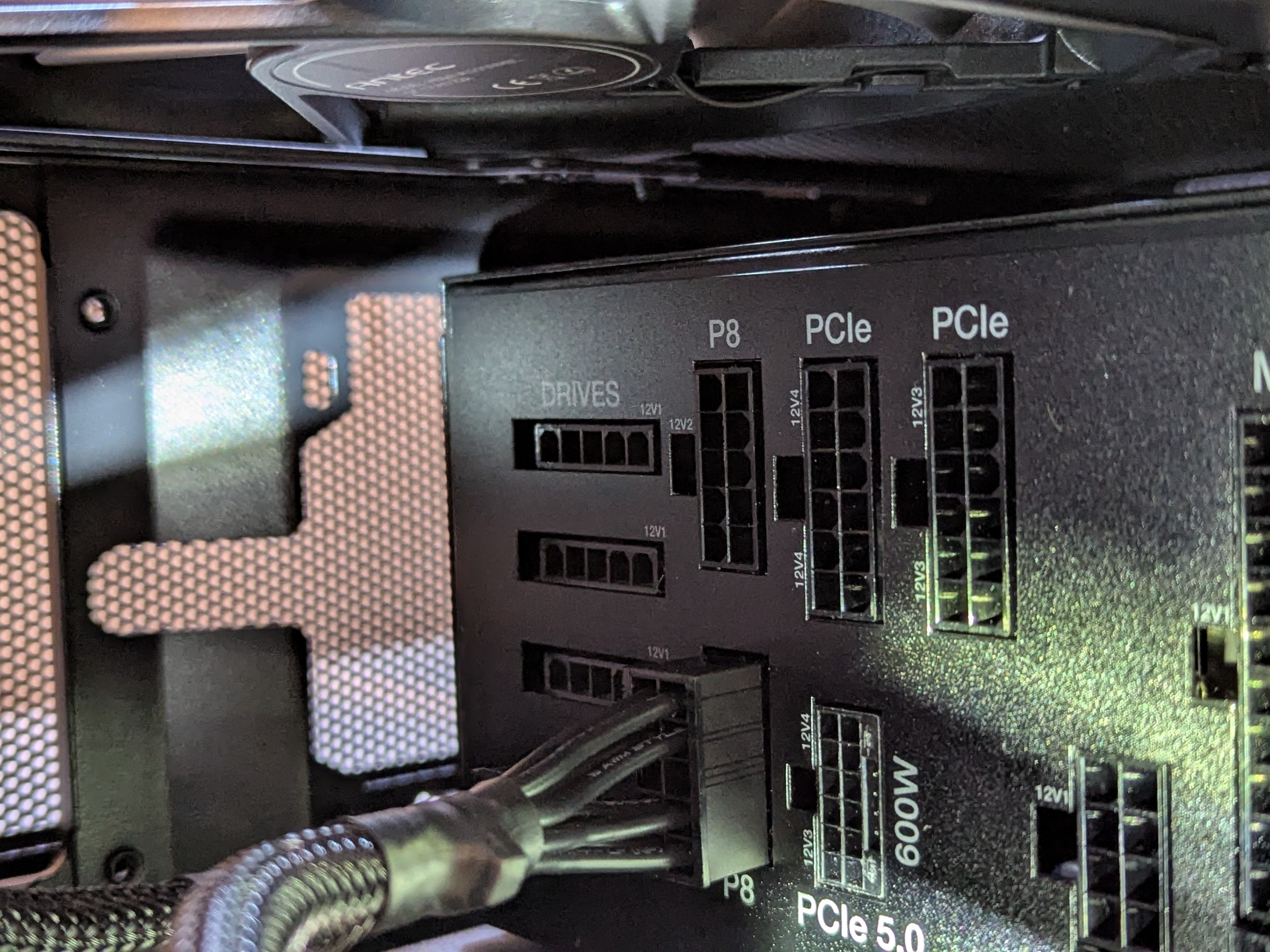
This will likely have some technical inaccuracies because I've never dealt with something this specific with PSUs. I have two slots for PCIe. I have a 3070 ti which has two 8 pin connectors. Each of this PSU's cords for the PCIe slots (minus that mysterious 600W one which I think is not for anything I'm doing due to the size) goes from the 12 pin on the PSU to two separate 8 pin connectors (well, 6 with the optional 2).

My gut feeling is to just plug a single cord from the PCIe slots I to the two slots on my GPU. But I'm wondering about what would happen if I plugged two cords into the PCIe slots separately and then put a single connector into the GPU from each. Would that be better/worse/the same/catastrophic?

I'm wondering if it has something to do with dividing the current among the different rails in the PSU or something? It has a little jumper to enable "overclocking" which does something like combining the rails, but I'd rather not fool with that. And it also might be totally unrelated to the other question. The jumper is, of course, just out of view of the pic, but it's also not really relevant.

Edit: I went with one and it's working fine.
19

I've seen some tools that do things like take snapshots periodically and ones that add snapshots to grub, but not this specifically. Does something exist?

This will probably be on EndeavourOS, not Arch directly, if it matters.

64

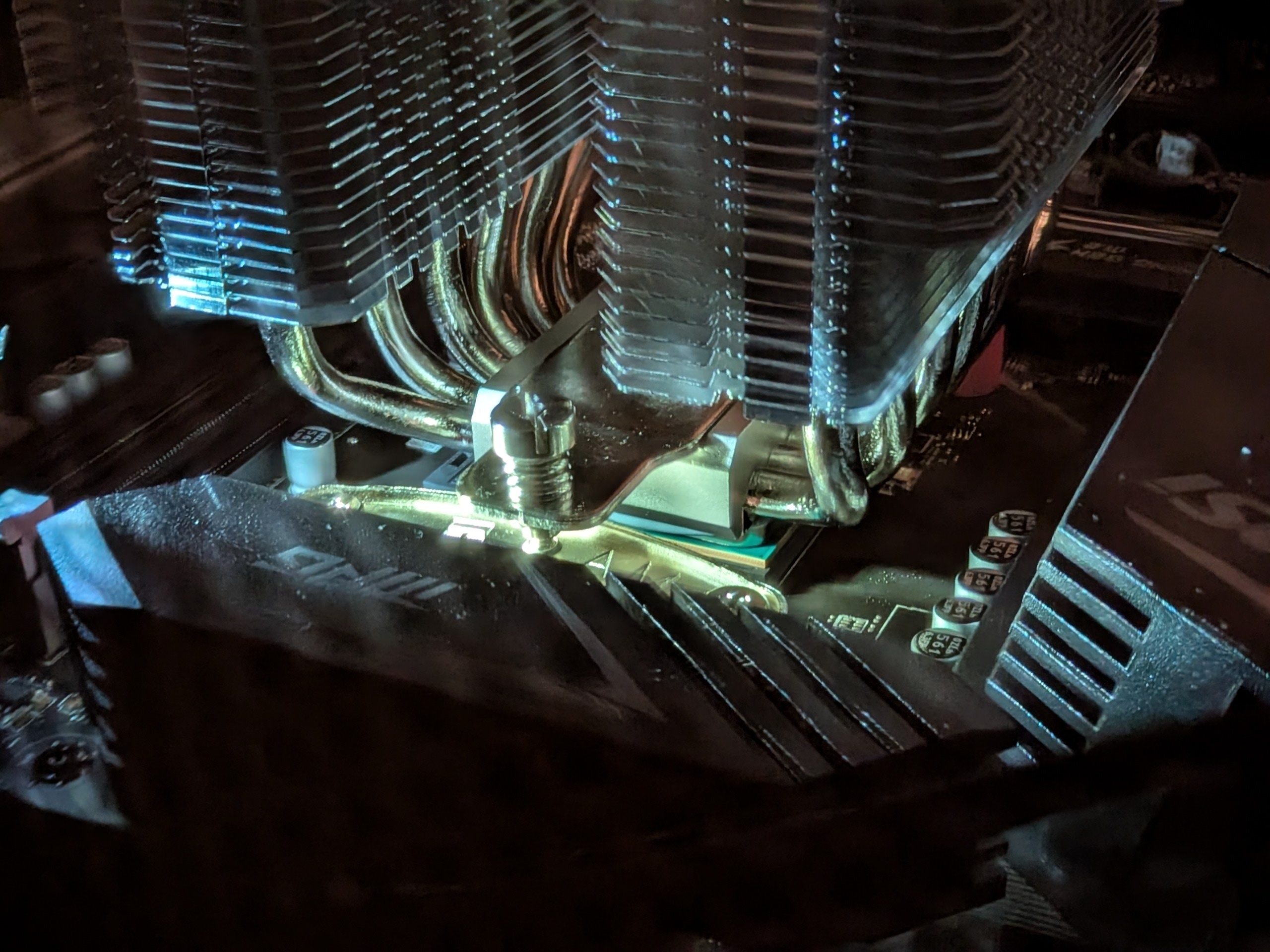
Sorry for the horrible picture. It's hard enough to see with my eyes, let alone get a pic.
16

Using one of those FTDI kenwood adapter programming cables. My gut feeling is no. It would be nice for things like sending/receiving SSTV images.

I am able to transmit if I use a double ended male 3.5 mm cable in the microphone hole of the radio and the headphones hole in my computer, but I have to hold down the PTT button. Also I have to turn the volume on my computer down a lot or else it is distorted. I suspect this has something to do with "line out" versus "headphones" voltage levels (I recall seeing some YouTube video discuss this).

23

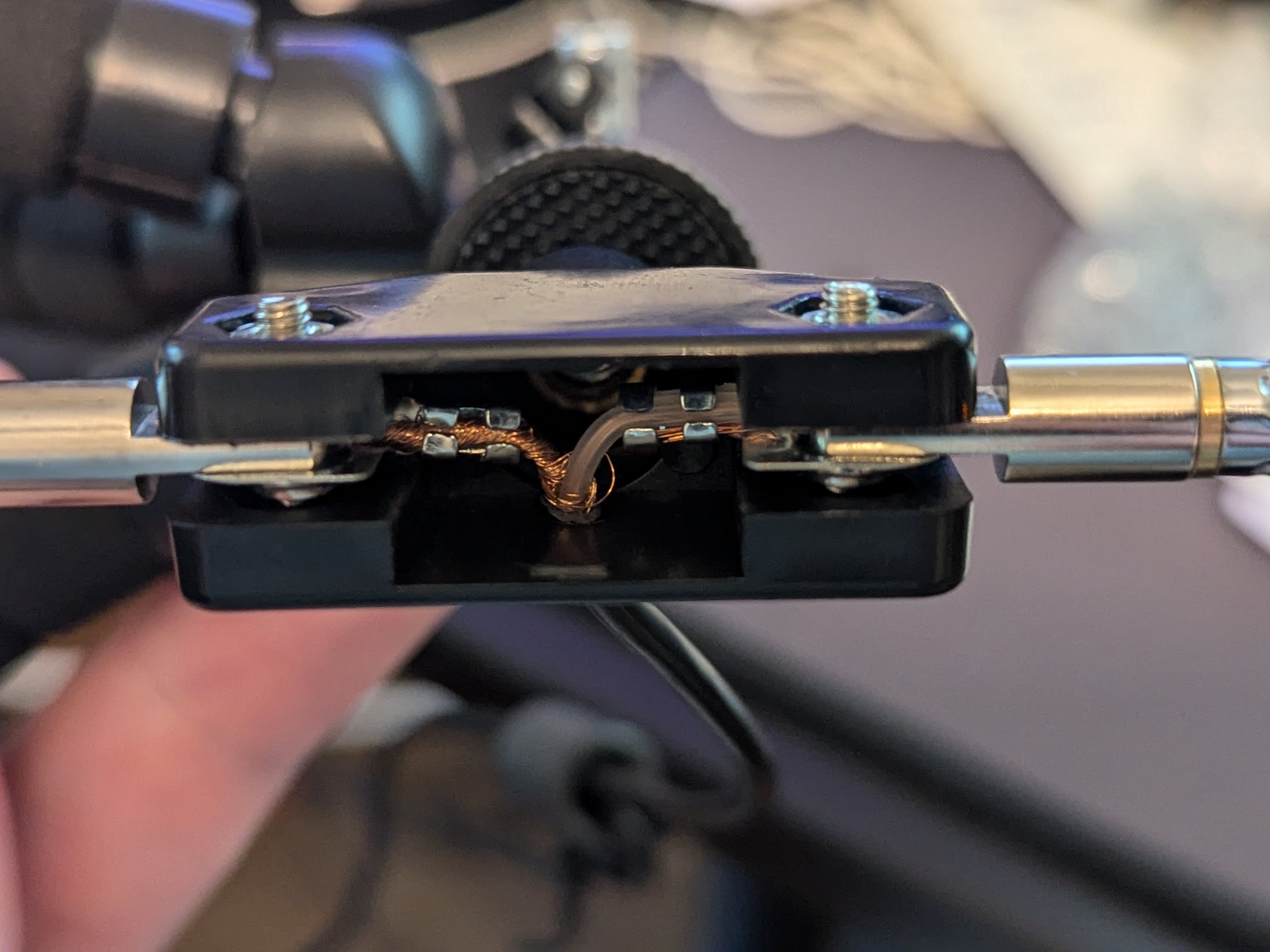
My guessThe left sort of looks like the outside of the cable so I think that's ground.
18

Is there just a gallery of various antenna types/lengths and their radiation patterns anywhere? It seems like there are some programs to make them, but I can't seem to easily get them for Mac and I also don't need something super advanced. Just something showing various "standard" antenna types and their patterns for various wave lengths.

view more: ‹ prev next ›

JackbyDev

0 post score
0 comment score
joined 2 years ago
MODERATOR OF