65
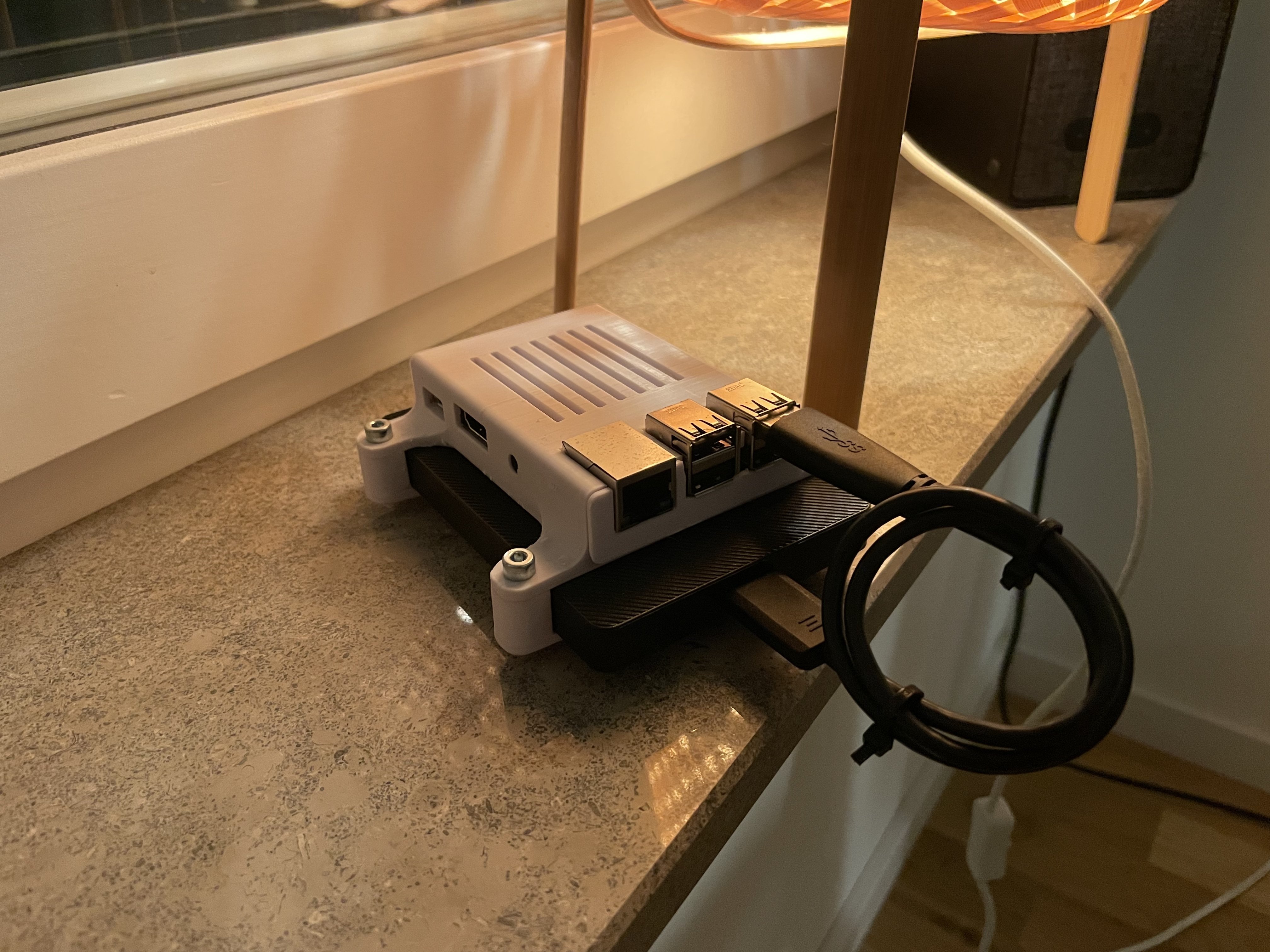
Built a Small Offsite backup machine! What to run on it?
(lemmy.world)
A place to share alternatives to popular online services that can be self-hosted without giving up privacy or locking you into a service you don't control.
Rules:
Be civil.
No spam.
Posts are to be related to self-hosting.
Don't duplicate the full text of your blog or readme if you're providing a link.
Submission headline should match the article title.
No trolling.
Promotion posts require active participation, with an account that is at least 30 days old. F/LOSS without a paywall has exceptions, with requirements. See the rules link for details.
Resources:
Any issues on the community? Report it using the report flag.
Questions? DM the mods!
It’s basic, but rsync is a reliable changes-only solution. You can do push or pull on a cronjob.
Would rsync corrupt the backup if the main file gets corrupted (seeing as this would be a change) ?
Unless you have some form of versioning, yes.
Duplicity uses rsync internally for efficient transport. I have used that. I'm presently using rdiff-backup, driven by backupninja out of a cron job, to backup to a local hard drive and which does incremental backups (which would address @Nr97JcmjjiXZud's concern). That also uses rsync. There's also rsbackup, which also uses rsync and I have not used.
Two caveats I'd note that may or may not be a concern for one's specific use case (which apply to rdiff-backup, and I believe both also apply to the other two rsync-based solutions above, though it's been a while since I've looked at them, so don't quote me on that):
One property that a backup system can have is to make backups immutable -- so that only the backup system has the ability to purge old backups. That could be useful if, for example, the system with the data one is preserving is broken into -- you may not want someone compromising the backed up system to be able to wipe the old backups. Rdiff-backup expects to be able to connect to the backup system and write to it. Unless there's some additional layer of backups that the backup server is doing, that may be a concern for you.
Rdiff-backup doesn't do dedup of data. That is, if you have a 1GB file named "A" and one byte in that file changes, it will only send over a small delta and will efficiently store that delta. But if you have another 1GB file named "B" that is identical to "A" in content, rdiff-backup won't detect that and only use 1GB of storage -- it will require 2GB and store the identical files separately. That's not a huge concern for me, since I'm backing up a one-user system and I don't have a lot of duplicate data stored, but for someone else's use case, that may be important. Possibly more-importantly to OP, since this is offsite and bandwidth may be a constraining factor, the 1GB file will be retransferred. I think that this also applies to renames, though I could be wrong there (i.e. you'd get that for free with dedup; I don't think that it looks at inode numbers or something to specially try to detect renames).
Does this setup have some sort of versioning or snapshots?
Try rsnapshot, it's rsync with hard links. Though, is better to use snapshots on filesystem (be it zfs, btrfs, or another one with such a feature... Might be CoW is required, never thought much about it ..)
Rsync has a bunch of downsides though. It only gives you one backup, any corrupted files will be mirrored in their corrupted state with no way to go back to an old version, and if the client system is hacked, the attacker can delete the remote backups. Not ideal.
Something like Borgbackup is much better. It dedupes blocks so storing months of daily backups isn't an issue, and it has an "append-only" mode that prevents the client from deleting backups. Even if the client system is hacked, the attacker can't delete the backups.