top 50 comments

sorted by: hot top controversial new old
[–] 181 points 1 year ago (16 children)

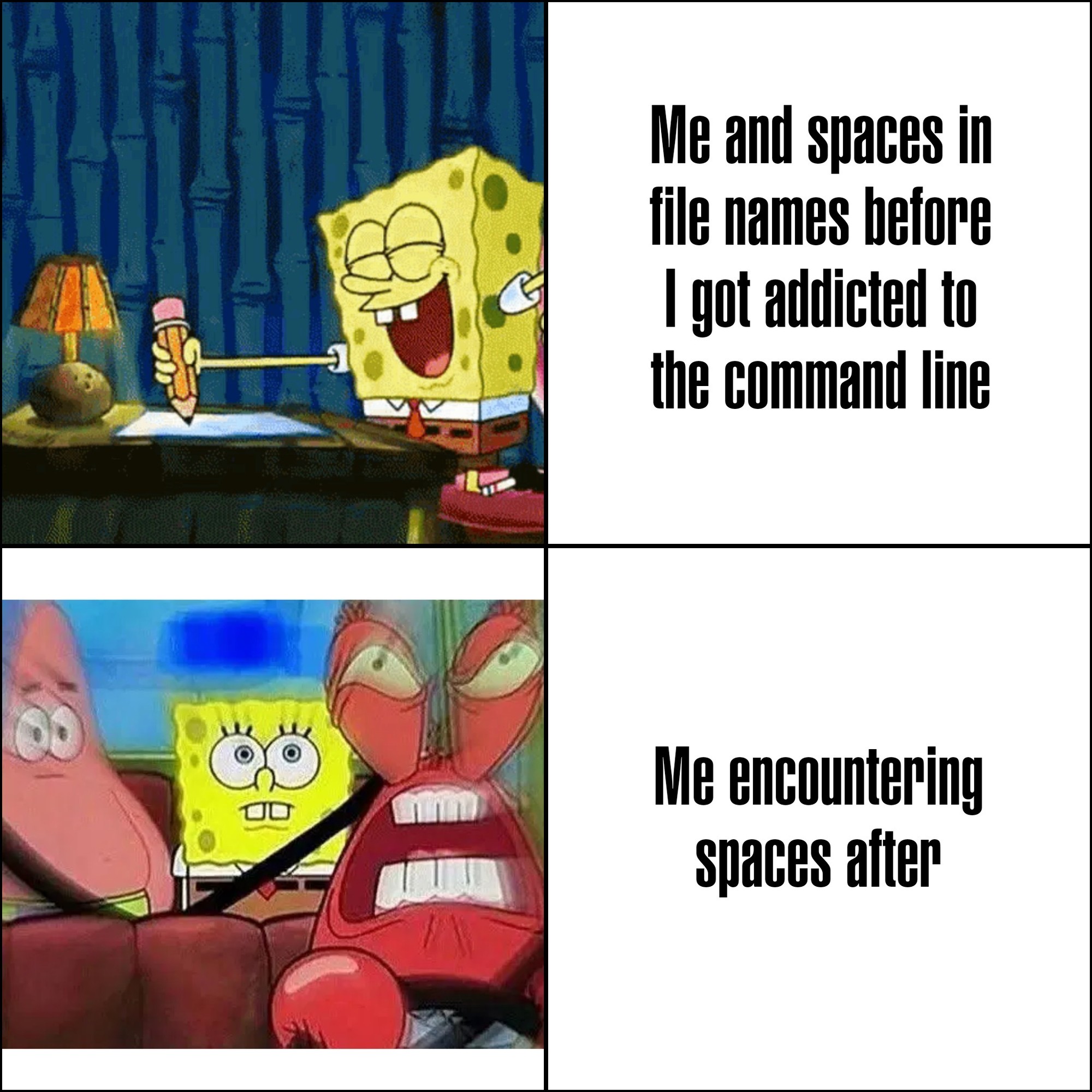
Microsoft intentionally made programs install to C:\Program Files on Windows 95+ to force programmers to deal with spaces in filenames.

Someone make one of those "statements made by the utterly deranged" memes about it, please and thank you.

  • source
  • hideshow 16 child comments
  • [–] 72 points 1 year ago (13 children)

    what is even more funny about this is that the name of that directory used to be locale-dependent, so in sweden it was just called "Program", completely nullifying that idea.

  • source
  • parent
  • hideshow 13 child comments
  • [–] 52 points 1 year ago (3 children)

    C:\Program Files

    C:\Program Files (x86)

    C:\ProgramData

  • source
  • parent
  • hideshow 3 child comments
  • load more comments (1 reply)
    [–] 98 points 1 year ago (38 children)

    I've recently learned that in Linux, you can use emois in filenames. I died a little lot inside when I learned that.

  • source
  • hideshow 38 child comments
  • [–] 77 points 1 year ago (19 children)

    On Linux file systems you can use any utf-8 character except NUL, and / is a reserved character.

  • source
  • parent
  • hideshow 19 child comments
  • [–] 54 points 1 year ago (14 children)

    I once accidentally created a file with a newline character in it... it was pretty tricky to fix from command line.

  • source
  • parent
  • hideshow 14 child comments
  • [–] 78 points 1 year ago (6 children)
  • [–] 29 points 1 year ago (3 children)
  • [–] 23 points 1 year ago (2 children)

    it was on accident, habibi, I swear 😁. I messed up some cmake code for preprocessing .txt ascii sprites into constants and accidentally created this abomination

  • source
  • parent
  • hideshow 2 child comments
  • [–] 13 points 1 year ago

    I actually did this a lot on classic Mac OS. Intentionally.

    The reason was that you could put a carriage return as the first character of a file, and it would sort above everything else by name while otherwise being invisible. You just had to copy the carriage return from a text editor and then paste it into the rename field in the Finder.

    Since OS X / macOS can still read classic Mac HFS+ volumes, you can indeed still have carriage returns in file names on modern Macs. I don't think you can create them on modern macOS, though. At least not in the Finder or with common Terminal commands.

  • source
  • parent
  • load more comments (6 replies)
  • load more comments (4 replies)
  • [–] 25 points 1 year ago (3 children)

    In filenames? AMATEURS! Use obscure Unicode in your passphrases for maximum security. Ctrl-Shift-U, enter arbitrary code point, bam! 🦊 Works even better with a Compose key and a nice, chonky .XCompose file to throw some gr∑∑k letters around, for instance, like some confused script kiddie. :)

    On topic: There are multiple variants of spaces in Unicode. You're welcome, and now go and create something utterly deranged with that information.

  • source
  • parent
  • hideshow 3 child comments
  • load more comments (3 replies)
  • [–] 8 points 1 year ago

    10 seconds of googling indicates this is true for Windows and Mac as well. I haven't looked specifically, but I'd be a little surprised if it wasn't true for Android and iOS as well.

    But really, why would they add rules to prevent people from using certain unicode codepoints in filenames? Should they disallow Klingon as well? Kanji? Of course not. Emojis are codepoints just like U+0061 is.

    Of course there are good reasons to disallow things like newlines and forward slashes in Linux filenames, but what specifically would even be the argument for preventing emojis?

  • source
  • parent
  • load more comments (8 replies)
    [–] 54 points 1 year ago (5 children)

    I\ don\'t\ know\ what\ you\ mean,\ I\'ve\ never\ encountered\ any\ annoyances.

  • source
  • hideshow 5 child comments
  • load more comments (5 replies)
    [–] 38 points 1 year ago* (8 children)
    Oh\ come\ on,\ it\'s\ not\ that\ bad
    

    Some shells enclose those types of files within inverted commas. Such that:

    > ls
    file\ name.md
    

    is instead

    > ls
    'file name.md'
    

    (I use fish)

  • source
  • hideshow 8 child comments
  • load more comments (1 reply)
    [–] 31 points 1 year ago (2 children)

    Are you typing the whole filename by hand? Tab expansion exists, you know?

  • source
  • hideshow 2 child comments
  • [–] 22 points 1 year ago (6 children)

    Now I use lowercase and underscores everywhere.

  • source
  • hideshow 6 child comments
  • load more comments (2 replies)
    [–] 19 points 1 year ago (3 children)

    not sure why the default behavior is this:

    file\ name\ with\ a\ bunch\ of\ spaces

    instead of this:

    "file name with a bunch of spaces"

    but you can just press " before pressing tab to auto-complete, and it will use the 2nd form

  • source
  • hideshow 3 child comments
  • load more comments (3 replies)
    [–] 19 points 1 year ago (5 children)

    the struggle between spaces in filenames look cute and oh fuck what's the code to reference a space in a filename in terminal?

  • source
  • hideshow 5 child comments
  • [–] 16 points 1 year ago

    I very intentionally have all my code in Personal Projects 🥰 and Work Projects 🏦 directories so I can find bugs in the handling of file paths.

  • source
  • [–] 15 points 1 year ago* (4 children)

    i think i am old. i grew up using DOS, and really hated spaces in filenames and folders because they appreared truncated at the first space with a tilde and index of that file/folder representation.

    ex: C:\folder name is bad\ == C:\folder~1

    i hated that so much that when i got to windows 3.1 i refrained from using spaces (some command line was still necessary in w3.1)

    i have jept that habit through the years, so when i moved from windoes to linux, my natural instincts of snake_case_folder_names made it so i didnt have to change : D

  • source
  • hideshow 4 child comments
  • load more comments (3 replies)
    [–] 12 points 1 year ago (1 child)
  • [–] 11 points 1 year ago*

    Windows is stupid as shit, trying to shift+right click > open Powershell in a path containing a space results in it throwing an error, and you have to paste the path in yourself anyway

  • source
  • [–] 10 points 1 year ago (7 children)

    If your code is written well, it shouldn’t matter.

  • source
  • hideshow 7 child comments
  • [–] 10 points 1 year ago (1 child)

    I'm a big fan of PascalCase. ThisIsAGreatFilename.odt

  • source
  • hideshow 1 child comment
  • load more comments (1 reply)
    [–] 8 points 1 year ago* (last edited 1 year ago) (4 children)

    Don't try svelte kit. This is pseudocode but it's valid. The only symbol show here that is not real is the / that I've placed at the end of folder to show that they are folders. There are other special cases

    routes/
    +page.ts
    (admin)/
      +page.ts
      [user=uuid]/
        [[community]]/
          +page.ts
        posts/
          [...postIds@]/
            +page.ts
    
  • source
  • hideshow 4 child comments
  • load more comments (4 replies)
    [–] 7 points 1 year ago (3 children)

    Now I'm imagining a shell that looks iteratively through arguments to find where quotes would make total sense

    $ ls
    my victims.ods
    $ wipe -f my victims.ods --thorough
    

    So the shell would go like

    1. wipe → command name found, ok
    2. -f → no file in the current directory starts with that, skip
    3. my → matches a file, keep in memory...
    4. my victims.ods → full match, but missing quotes!
    5. Prompt user:
    Filename "my victims.ods" found without quotes. Choose:
    [a]dd quotes this time
    [A]lways add quotes (dangerous)
    [n]o quotes today please
    [N]ever offer adding quotes again
    [t]ell me what could possibly go wrong when I choose to always add quotes
    [P]unch the person who proposed this feature
    
  • source
  • hideshow 3 child comments
  • [–] 7 points 1 year ago (2 children)

    For interactive use, tab-completion essentially makes this a non-issue, because shells add escaping in the appropriate places.

    For scripting, where spaces are harder to deal with, unfortunately there's just not much you can do; your two options are basically to learn all of your particular shell's patterns for dealing with whitespace in filenames, or only write scripts in something other than a POSIX shell.

  • source
  • parent
  • hideshow 2 child comments
  • load more comments (2 replies)
  • [–] 7 points 1 year ago (5 children)

    smells like skill issue tbh

    tools which cant handle being installed/run on directories with spaces are so annoying

  • source
  • hideshow 5 child comments
  • load more comments (5 replies)
    load more comments
    view more: next ›