
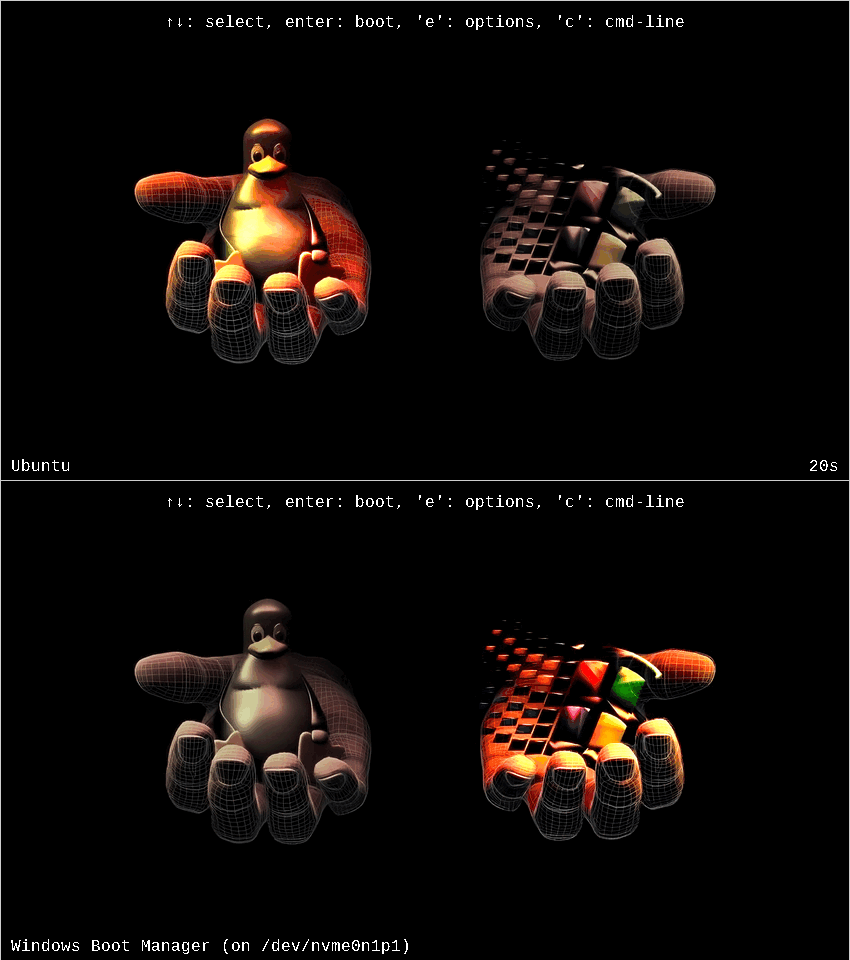
At least I made it fun for myself and my Windows-using sibling with whom I share a computer with. GRUB themes are cool! Also, I didn't make it myself, you can find the theme here: https://www.pling.com/p/2275254

Keep it contained in a VM, best hazardous containment.
Last time I booted into windows it wiped my grub partition. That was the day I decided I didn’t really need windows anymore.
Me booting into windows just to play some gta online
I'm actually happy to say this is me, I recently installed Mint on a separate m.2 drive from windows, I wanted to just test it. I now find myself almost permanently on Mint, only going back to windows once to play a multiplayer game that isn't on Linux yet.
The day I wiped all partitions from my dual boot and started fresh with no windows on the machine was a revelation. My heart sang and my soul wept with joy. Windows lives in a caged state now, a neutered monster I rarely demand dance for me because it is ugly and awkward and on an external drive I don't care about.
Best setup ever:
1)install Linux on one drive.
2)install Windows on a second drive.
3)boot from grub on the first drive and add an entry to boot Windows.
4)on a 3rd drive format it ext3 or optionally dos. Mount this puppy at /home or even /home/user.
5)don't let windows touch you Linux home drive ever. Fuck windows and Microsoft. Both can suck my entire ass. If you ever need to share files between these systems use a pen drive. Microsoft doesn't deserve you. Just use it as a last resort, do your thing and GTFO ASAP.
This is how it is for me. I have Linux and Windows on their own drives.

I gave that up decades ago. If i can't do it in Linux, i don't need to do it.
So in my dual boot setup Linux messes up the dedicated audio card so bad it not only sounds like ass on Linux but it somehow garbles Windows audio until I power cycle the entire thing. It is entirely possible it does permanent damage to the hardware. Some of the electrical clicks you hear from it are genuinely concerning.
Had to plug in Linux audio via the motherboard audio and use different sources for each OS to work around it.
Does change how the meme reads to me.
Also, maaaan does Linux need to completely redo its audio systems from the ground up. It's so bad that saying that isn't even that controversial, which is insane in these circles.
When i still had a dual boot on my main PC, everytime I went into Windows and back into Linux, I'd have to replug my drawing tablet for it to work properly. Even after a complete shutdown. I have no clue what caused that.
Cries in VR games.
I play ally single player games in fedora and multiplayer in windows. Lol
Or like so... (/home is on another disk, no windows)

Windows in VM with vitio drivers and guest tools
top 50 comments