you are viewing a single comment's thread
view the rest of the comments
[–] 25 points 2 years ago (15 children)
  • [–] 104 points 2 years ago (7 children)
  • [–] 31 points 2 years ago (6 children)

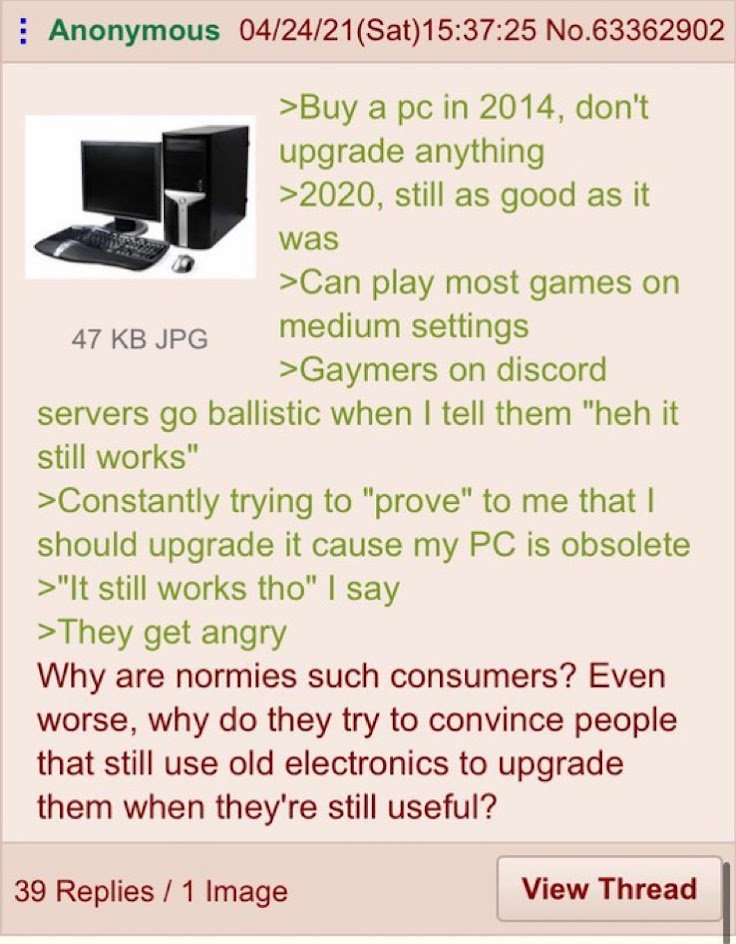
    Appreciate the meme but yea that is one way to probably improve performance. Or upgrade the RAM, clean the fans, reapply thermal compound, clear out temporary files, disable unused services or reinstall Windows if they really need it just to run Chrome and Zoom which is all they do.

  • source
  • parent
  • hideshow 6 child comments
  • [–] 4 points 2 years ago (4 children)

    hardware isn't as impactful to performance as software imo, just getting rid of bloat services can improve the perceived performance for every day tasks a ton.

    btw I don't really get why increasing the amount of ram is thought of as the first step by most normie consumers, if you have enough it's enough and even my 2gb machine runs everything fine

  • source
  • parent
  • hideshow 4 child comments
  • [–] 4 points 2 years ago (3 children)

    You'd be amazed at the startup and program opening time gains on older computers' when you change in the HDD that is stuck at read/write speeds of 5MB/s for a SSD

  • source
  • parent
  • hideshow 3 child comments
  • [–] 2 points 2 years ago (2 children)

    oh yeah SSDs are great, but RAM, thermals, etc don't matter much

  • source
  • parent
  • hideshow 2 child comments
  • [–] 30 points 2 years ago* (2 children)

    Clean the fans.

    Reinstall the os clean. That's usually why a new computer feels snappy: it's just fresh.

  • source
  • parent
  • hideshow 2 child comments
  • [–] 13 points 2 years ago (3 children)

    Free:

    • clean fans and heatsink - others mentioned, and the reason is better cooling so it doesn't throttle
    • kill unnecessary services - that's why reinstalling works
    • install Linux - not reasonable for everyone, but Linux uses far fewer resources
    • delete old files - as disks get full, it takes longer to find somewhere for files to go; try to leave 10-20% free
    • try a small overclock - many older CPUs can give a little more without upgrading cooling; only do it if temps look good

    Relatively cheap (<$200 each):

    • upgrade drive to NVMe - huge difference if running an HDD, still noticeable of running a SATA SSD
    • add more RAM (only if you're constantly running out)
    • upgrade CPU - esp if AMD since they release lots of CPUs for the same socket

    It really depends on what's making it slow though.

  • source
  • parent
  • hideshow 3 child comments