top 50 comments

sorted by: hot top controversial new old
[–] 108 points 3 years ago (34 children)

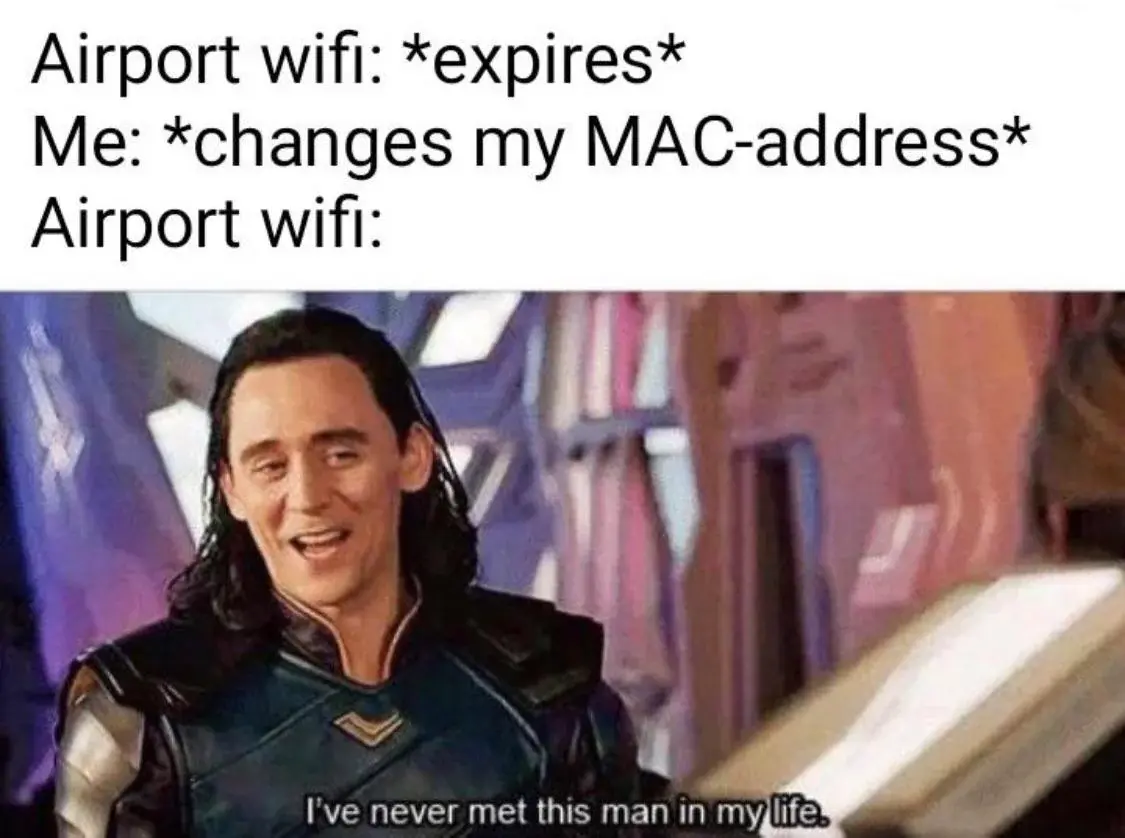
Let's pretend someone didn't know how to do that on an android. How would you explain it to them?

  • source
  • hideshow 34 child comments
  • [–] 128 points 3 years ago (18 children)

    On android when you go to the wifi settings you're currently connected to there should be a setting for randomizing mac address per connection or per network. If you change it to per connection, once you disconnect and reconnect your mac address should change. On per network, it will randomly generate the mac address for the first connection and keep that address for that wifi forever.

  • source
  • parent
  • hideshow 18 child comments
  • [–] 27 points 3 years ago (3 children)

    Excellent explanation, thank you. Never knew what that difference was.

  • source
  • parent
  • hideshow 3 child comments
  • load more comments (1 reply)
  • [–] 4 points 3 years ago (13 children)

    I think per connection is a GrapheneOS thing unless I'm wrong

  • source
  • parent
  • hideshow 13 child comments
  • [–] 35 points 3 years ago

    On stock (Pixel) Android, if you enable Developer Options, there is a setting under Networking called "Wi-Fi non-persistent MAC randomization" that randomizes the MAC per connection for networks that have randomization enabled.

  • source
  • parent
  • [–] 8 points 3 years ago (7 children)

    Samsung's OneUI does this by default for all connections .

  • source
  • parent
  • hideshow 7 child comments
  • [–] 4 points 3 years ago (1 child)

    I don't have a Samsung, but I'm pretty sure that's still randomised per network, per connection can be enabled in the developer options somewhere.

  • source
  • parent
  • hideshow 1 child comment
  • load more comments (5 replies)
  • [–] 4 points 3 years ago (2 children)

    Yeah, on Android 12 I can only choose between "randomized MAC" and "phone MAC". Doesn't specify if it's randomized per network or connection, but I'd guess it's per network.

  • source
  • parent
  • hideshow 2 child comments
  • [–] 102 points 3 years ago (9 children)

    Just google it you dumb piece of shit - Stack overflow user

    Marked as duplicate

  • source
  • parent
  • hideshow 9 child comments
  • [–] 47 points 3 years ago (3 children)

    Thanks, I figured it out and got free food as a bonus!!!

    Doesn't share solution

  • source
  • parent
  • hideshow 3 child comments
  • [–] 25 points 3 years ago* (2 children)

    No worries, it's outlined in detail, with pictures and a video here: (deadlink)

  • source
  • parent
  • hideshow 2 child comments
  • Or more recently...

    The top comment:

    Lorem ipsum dolor sit amet, consectetur adipiscing elit, sed do eiusmod tempor incididunt ut labore et dolore magna aliqua. Ut enim ad minim veniam, quis nostrud exercitation ullamco laboris nisi ut aliquip ex ea commodo consequat. Duis aute irure dolor in reprehenderit in voluptate velit esse cillum dolore eu fugiat nulla pariatur. Excepteur sint occaecat cupidatat non proident, sunt in culpa qui officia deserunt mollit anim id est laborum.

    Redacted with PowerDeleteSuite. F*ck Spez.

    All the replies: "OMG, thank you so much, this was exactly what I needed! You just saved me hours of work!"

  • source
  • parent
  • [–] 26 points 3 years ago (4 children)

    I know you wanted this solution but that solution is shit here's my one instead

  • source
  • parent
  • hideshow 4 child comments
  • [–] 29 points 3 years ago (3 children)
  • [–] 6 points 3 years ago (3 children)

    Most Android phones have an option to randomize MAC per WiFi, enabled by default. Maybe you can trigger a new MAC by forgetting the network and reconnecting?

  • source
  • parent
  • hideshow 3 child comments
  • load more comments (1 reply)
    [–] 72 points 3 years ago (1 child)

    fun fact, an early iPhone jailbreak would always change the phones wifi mac to the same address, so there was a meme for a while that if you had a jailbroken iPhone you couldn't use airport wifi

  • source
  • hideshow 1 child comment
  • load more comments (1 reply)
    [–] 59 points 3 years ago (2 children)

    This comes back to bite you when you purchase in-flight wifi which is tied to your MAC address. Make sure to disable that option for the in-flight access point!

  • source
  • hideshow 2 child comments
  • [–] 21 points 3 years ago (1 child)

    on an AA flight I was recently on, they gave out free 20 mins of internet for watching a 15s ad, but this was once per device type of deal. In this case, turning on randomized mac addresses meant I get free inflight wifi for the entire flight!

  • source
  • parent
  • hideshow 1 child comment
  • [–] 50 points 3 years ago (6 children)

    Why's it need to be temporary, anyway? It's an airport. Nobody's sticking around.

  • source
  • hideshow 6 child comments
  • [–] 8 points 3 years ago (3 children)

    You haven’t “flown” recently, have you?

  • source
  • parent
  • hideshow 3 child comments
  • [–] 5 points 3 years ago

    Long time ago, it was probably due to overcrowding. Very easy to get shit quality of service once it hits a certain time of day.

    But with advances in wireless technology (backhaul, 5Ghz, MIMO, …) I think that’s no longer the case.

  • source
  • parent
  • [–] 42 points 3 years ago (10 children)

    Your airport wifi doesn't ask for your email, phone number, bank number of your life savings, etc?

  • source
  • hideshow 10 child comments
  • [–] 21 points 3 years ago (3 children)

    Usually it asks for an email, but you can just input a fake one.

  • source
  • parent
  • hideshow 3 child comments
  • load more comments (1 reply)
  • load more comments (6 replies)
    [–] 19 points 3 years ago (6 children)

    Didn't know you could spoof a mac address

  • source
  • hideshow 6 child comments
  • [–] 26 points 3 years ago

    Most consumer-grade NICs have a default MAC address which is retrievable with device drivers, but delegate (Ethernet) packet assembly to the OS. If the OS asks the NIC to emit a packet, then the NIC often receives the packet as a blob, DMA'd from main memory, and emits the bytes as octets. Other NICs do manage packet assembly, but allow overwriting the default MAC address. By the time I was learning Linux, we had GNU MAC Changer available in userland with the macchanger command, and many distros have configuration for randomizing or hardcoding MAC addresses upon boot.

    I want to say that this is all because olden corporate network management policies could require a technician to replace a NIC without changing the MAC address, but more likely it is because framing and packet assembly was not traditionally handed to a second controller, and was instead bit-banged or MMIO'd by the CPU.

  • source
  • parent
  • [–] 12 points 3 years ago*

    I use this to make MACs for my VMs and virtual NICs. The 00:16:3E prefix means it's Xen virtualization, so change this part as needed.

    #!/usr/bin/python
    
    # macgen.py script to generate a MAC address for guests on Xen
    
    import random
    
    def randomMAC():
    	mac = [ 0x00, 0x16, 0x3e,
    		random.randint(0x00, 0x7f),
    		random.randint(0x00, 0xff),
    		random.randint(0x00, 0xff) ]
    	return ':'.join(map(lambda x: "%02x" % x, mac))
    
    print (randomMAC())
    

    Use

    $ macgen.py 
    00:16:3e:17:ed:b1
    
  • source
  • [–] 9 points 3 years ago

    GrapheneOS has per connection MAC which can be useful in situations like this

  • source
  • [–] 5 points 3 years ago (6 children)

    In general, I thought IP addresses are mutable while MACs stay the same, and I thought that's why the outside world uses IPs to identify networks while routers inside a network use MACs to identify specific devices. If you can change your MAC arbitrarily, doesn't that risk making the router's job more difficult? Why not just assign yourself a different internal IP?

  • source
  • hideshow 6 child comments
  • [–] 17 points 3 years ago* (1 child)

    Changing your MAC will make older messages undeliverable, but that just means the connection will be momentarily interrupted until you establish new connections after re-connecting to the WiFi.

    Why not just assign yourself a different internal IP? Because a. the router probably wants to assign you one itself via DHCP; and b. the router isn't looking at your IP address to lock you out; it's looking at your MAC address.

    If your IP address is where in cyberspace you are, a MAC address is who you are. If you want to fool the bouncer, change your name, not your address.

  • source
  • parent
  • hideshow 1 child comment
  • load more comments (1 reply)
  • load more comments (2 replies)
    [–] 4 points 3 years ago (1 child)

    I spoofed my MAC once when I went to a router page of a hotel and it said it was logging the request

  • source
  • hideshow 1 child comment
  • [–] 5 points 3 years ago

    I had them most sophisticated hotel/resort wifi capture page I've ever seen them other week. It had you register on the wifi using your room number and booking email, then it gave you 10 slots that you put Mac addresses into. I couldn't imagine how many people I bet never figured out how to use it lol

  • source
  • parent
  • [–] 4 points 3 years ago

    Are there airports that still do this? Every airport I've been to in the last decade has had free Wi-Fi.

  • source
  • load more comments
    view more: next ›