A place to post new communities all over Lemmy for discovery and promotion.
Rules
The rules for behavior are a straight carry over of Mastodon.World's rules. You can click the link but we've reposted them here in brief, as a guideline. We will continue to use the Mastodon.World rules as the master list. Over all, be nice to each other and remember this isn't a community built around debate. For the rules about formatting your posts, scroll down to number 2.
1. Follow the rules of Mastodon.world, which can be found here.
A. Provide an inclusive and supportive environment. This means if it isn't rulebreaking and we can't be supportive to them then we probably shouldn't engage.
B. No illegal content.
C. Use content warnings where appropriate. This means mark your submissions NSFW if need be.
D. No uncivil behavior. This includes, but is not limited to: Name Calling; Bullying; Trolling; Disruptive Commenting; or Personal Criticisms.
E. No Harrassment. As an example in relation to Transgender people this includes, deadnaming, misgendering, and promotion of conversion therapy. Similarly Misogyny, Misandry, and Racism are also banned here.
2. Include a community or instance title and description in your post title. - A following example of this would be New Communities - A place to post new communities or instances all over Lemmy for discovery and promotion.
3. Follow the formatting. - The formatting as included below is important for people getting universal links across Lemmy as easily as possible.
Formatting
Please include this following format in your post:
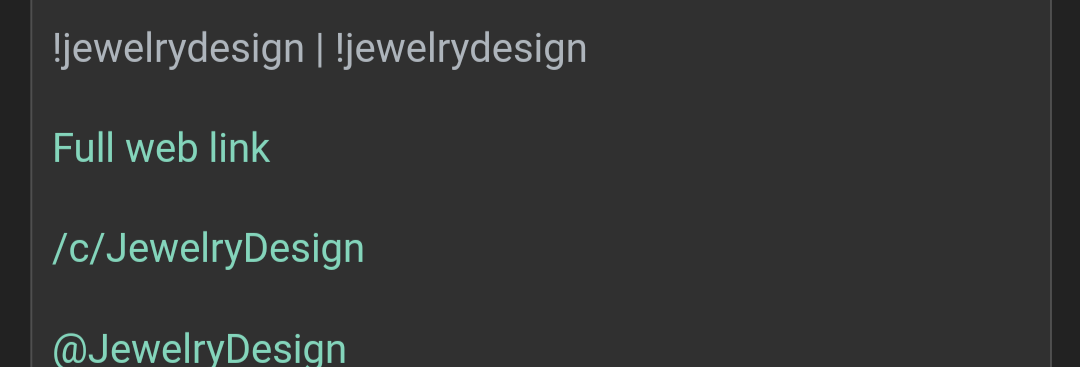
[link text](/c/community@instance.com)
This provides a link that should work across instances, but in some cases it won't
You should also include either:
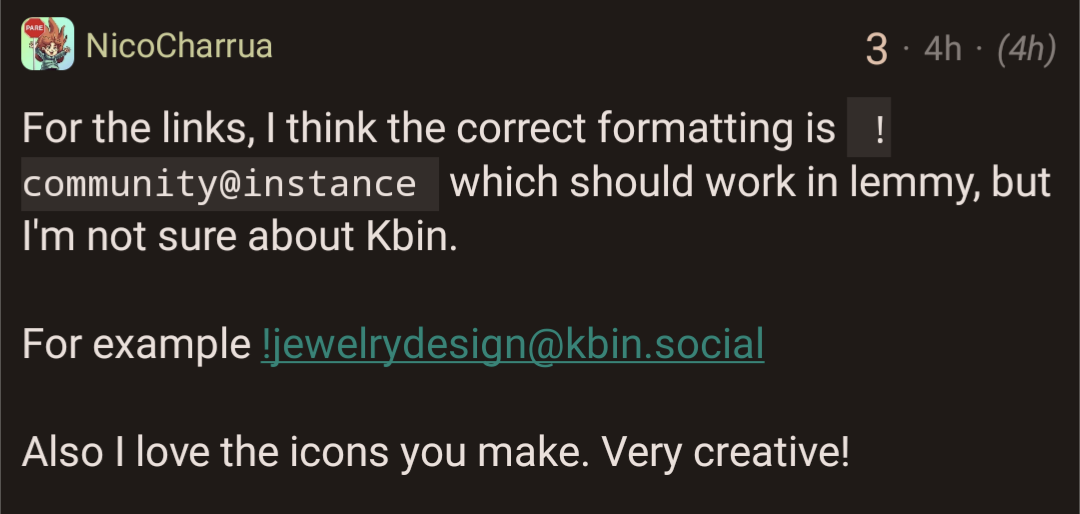
!community@instance.com
or instance.com/c/community
FAQ:
Q: Why do I get a 404?
A: At least one user in an instance needs to search for a community before it gets fetched. Searching for the community will bring it into the instance and it will fetch a few of the most recent posts without comments. If a user is subscribed to a community, then all of the future posts and interactions are now in-sync.
Q: When I try to create a post, the circle just spins forever. Why is that?
A: This is a current known issue with large communities. Sometimes it does get posted, but just continues spinning, but sometimes it doesn't get posted and continues spinning. If it doesn't actually get posted, the best thing to do is try later. However, only some people seem to be having this problem at the moment.
Extra FAQ information
Image Attribution:
Fahmi, CC BY 4.0 https://creativecommons.org/licenses/by/4.0, via Wikimedia Commons>>