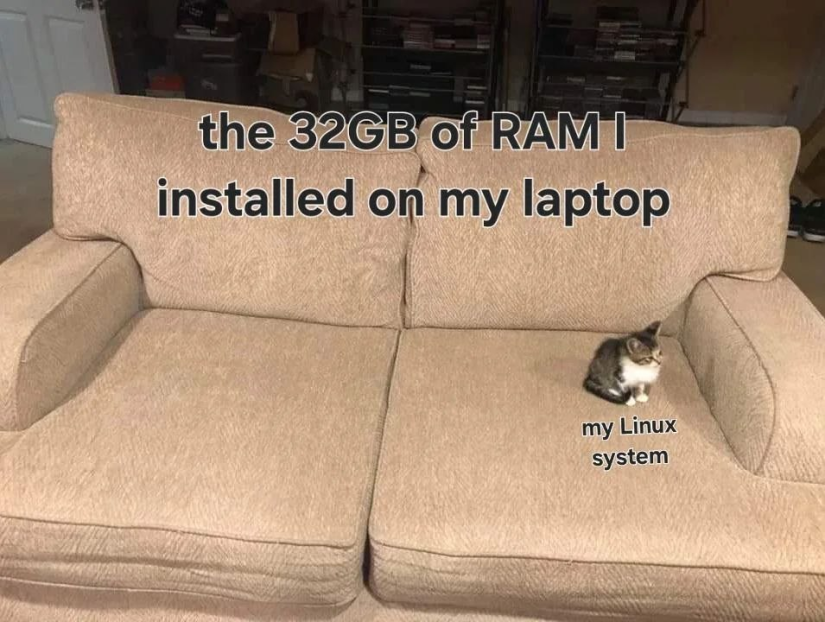
Meanwhile the electron app you're trying to run 
I've seen builds of the Linux kernel that comfortably fits in my on-die CPU caches.
So it would just be a picture of an empty sofa.
Wondering how my 64gb will outlast every other part upgrade my gaming Linux box will get over the years
Can't relate, just upgraded my laptop from 32GB to 64GB since VScode would keep closing due to OOM. What? Oh, no, it's not vscode's fault.....I keep like 5 Firefox windows with 30+ tabs open, like a fucking maniac..... Close them? What do you mean "close" them?
Gives a lot of Space for running Virtual machines.
Also browsers can chew that up fast if you have a lot of tabs, Firefox has managed to do it a few times. At least until I started limiting its RAM to 8GB (best decision ever)
Limit Firefox to 8GB of RAM .desktop file
[Desktop Entry]
Version=1.0
Name=Firefox RAM limit 8GB
GenericName=Firefox Ram limit 8GB
Comment=Limit RAM for Firefox to 8GB;
Exec=systemd-run --user --scope -p MemoryLimit=8G firefox
Icon=firefox
Type=Application
Terminal=false
Categories=Utility;Development;
StartupWMClass=Firefox
(To use it with other apps like Chrome or Electron apps just replace the command at the end, and startup class with the ones from the program you'd like to run. Icon and Name changes are optional but might be desirable so you remember what app it is for).
the rest is electron
Once you fire up a webpage it'll just dump garbage all over the couch.
Java would like to hog the couch
I wish I was a cat
Microsoft Flight Simulator: A whole airplane on the couch
Plenty of room left over for my Chrome tabs
i think you might be able to run kde plasma with that!
Try realizing ten thousand mesh instances in Blender and watch that sucker eat the rest of your RAM like it's got a pebble in its shoe.
I did that on my work PC with 128 GB memory (originally built for esports shit) and it still wasn't enough.
One of the cushions is your browser, the other half some IDE you use to write an one-liner.
I use a shit load of RAM on Linux. You guys clearly have amateur numbers when it comes to how many applications you have open at once.
Like any cat, Linux is actually liquid and can flow over the whole sofa if it so chooses.
i mean, some games (cough cough factorio cough cough) manage to use up about 25GB of ram on my system, so it's nice to have a buffer. now, my 64GB may be considered a bit overkill but i call it future proofing
Y'all need to point me towards one of those tiny Linux systems. I have an old no-longer-bricked Toshiba Satellite that somebody gave me and I got it to boot again, so I slapped Mint on it to see how I liked it since I've never messed with that distro before. The only problem is this sucker is a dog, it's only got 2 gigs of RAM and a pokey 5400 RPM platter drive in it. The thing sits there and thrashes swap constantly even when it's doing nothing, and when Mint is creating one of its automated system image rollback things it's completely unusable. I'm surprised the laptop platters don't escape their casing and bore into the Earth like a drill bit.
I found that it will... eventually... load and run the latest FreeCAD build and once it's going it's actually not bad (awful screen resolution and single touch only trackpad notwithstanding). But getting there when taken altogether takes about 20 minutes...
Leaves Firefox running.
OOM
That's how I got a free netbook. The netbook had 32GB flash with windows and office occupying 27+GB. Then windows wanted to do an update - with an 8+GB file. Spot the problem. And windows can get quite annoying with updates. As the netbook could not be expanded, and attempts to redirect the update to a USB stick did not work, a newer netbook was bought, and I got the old one. Linux plus libreoffice plus a bunch of extras happily sat in 4GB...
Am i the only one who still has no problems with 8GB? Not that I wouldn't be happy with more but i can't remember the last time I've even thought about ram usage
My system gets maxed out of the 16gb regularly.
Now run Mixtral
You are not Linuxing hard enough.
I spent years gaming on 8gb. Sure I could barely open bg3 but do I really need my 32 now?
True story. I remember back in the bad old days when Firefox had notorious memory leaks, so when building my latest PC, I put in 32GB. The monitor app on my desktop has only ever topped out at showing 30% of memory allocated.

top 50 comments