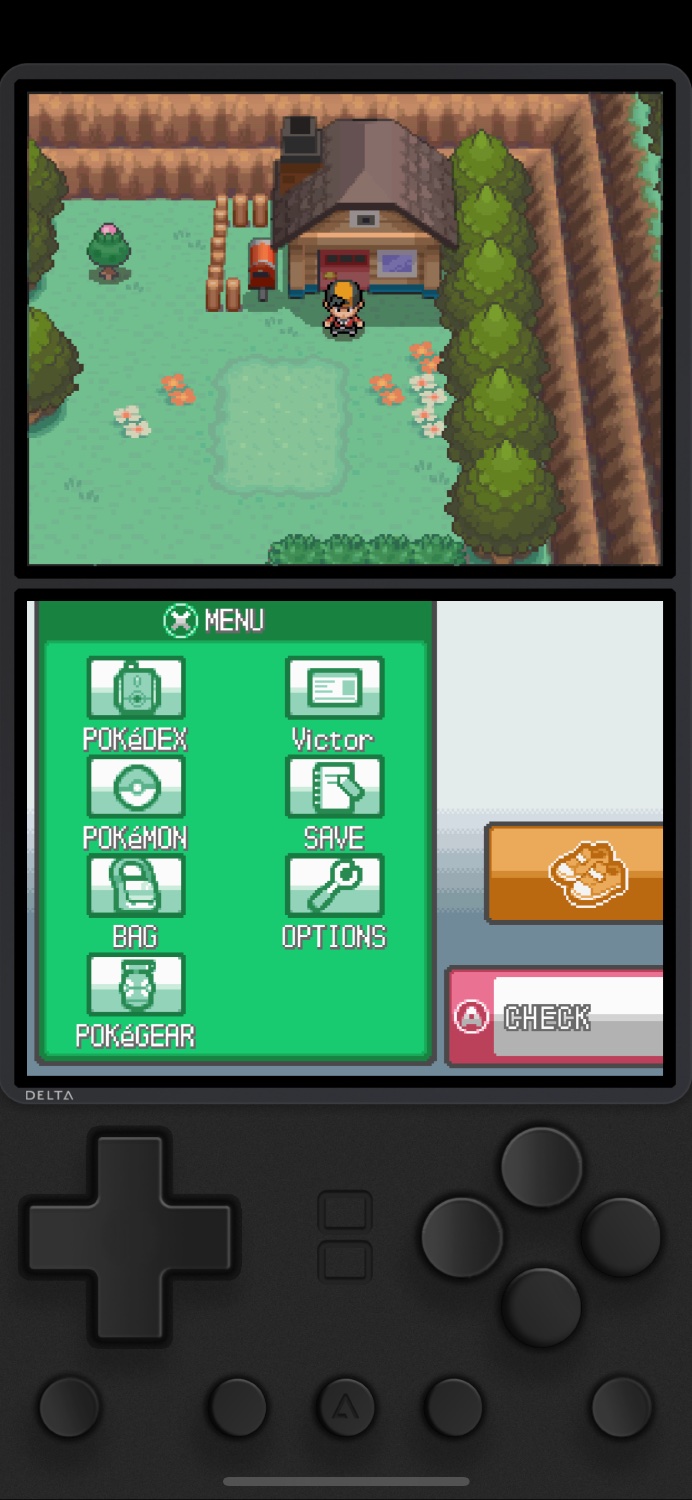
I installed Ignited via SideStore. No Jailbreaking necessary. Not computer tether. SideStore can renew the side loaded emulator every 7 days when on WiFi. The iPhone is perfect for DS emulation with a stylus.

(Ignited is a fork of Delta with more options, and SideStore is a fork of AltStore, with no computer tether needed)
you are viewing a single comment's thread
view the rest of the comments
[–] 13 points 3 years ago (13 children)

Can you do that on Android?

  • source
  • hideshow 13 child comments
  • [–] [S] 19 points 3 years ago (6 children)

    Yes. It’s even easier on Android. Look for RetroArch. It emulates a bunch of consoles.

  • source
  • parent
  • hideshow 6 child comments
  • [–] 3 points 3 years ago (5 children)

    Thanks! But wow does its UI make my screen look much smaller than it is.

  • source
  • parent
  • hideshow 5 child comments
  • [–] 4 points 3 years ago

    If retroarch is too much you can try Lemuroid. Lemuroid is a much simpler emulation app with a more straightforward GUI. It doesn't come anywhere near the features or number of cores of retroarch but it supports most common retro systems.

  • source
  • parent
  • [–] [S] 2 points 3 years ago*

    I don’t know how it works in RetroArch, with Delta/Ignited you can change the skin which also manages the size and position of the screens. I even designed custom skins to play full screen with no controls with Zelda since you don’t need the abxy and arrow buttons to play.

  • source
  • parent
  • [–] 11 points 3 years ago* (1 child)

    Best Android app for emulating DS in my experience is DraStic.

  • source
  • parent
  • hideshow 1 child comment
  • [–] 2 points 3 years ago

    Can confirm. I played so many games on DRaStic over the last few years. Zero issues.

    Of course, some games are not well suited to a full touch screen, especially if they require quick coordination of both stylus and D-Pad. They are relatively few though - most games work great.

  • source
  • parent