post
replies:
load more comments
(3 replies)
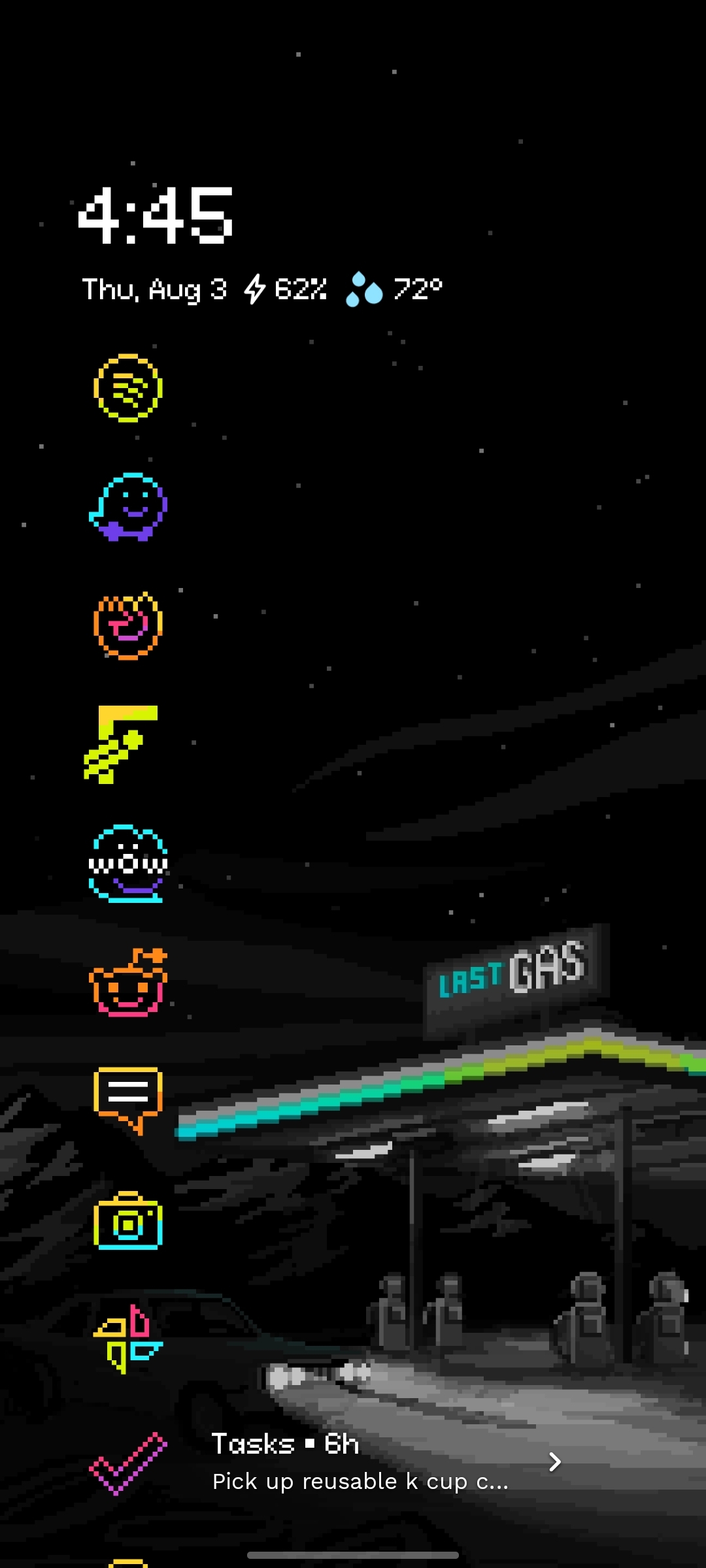
It's a little repetitive with the time and battery on the top banner, but I don't like having that hidden.

load more comments
(4 replies)
replies:
load more comments
(1 reply)
replies:
load more comments
(5 replies)
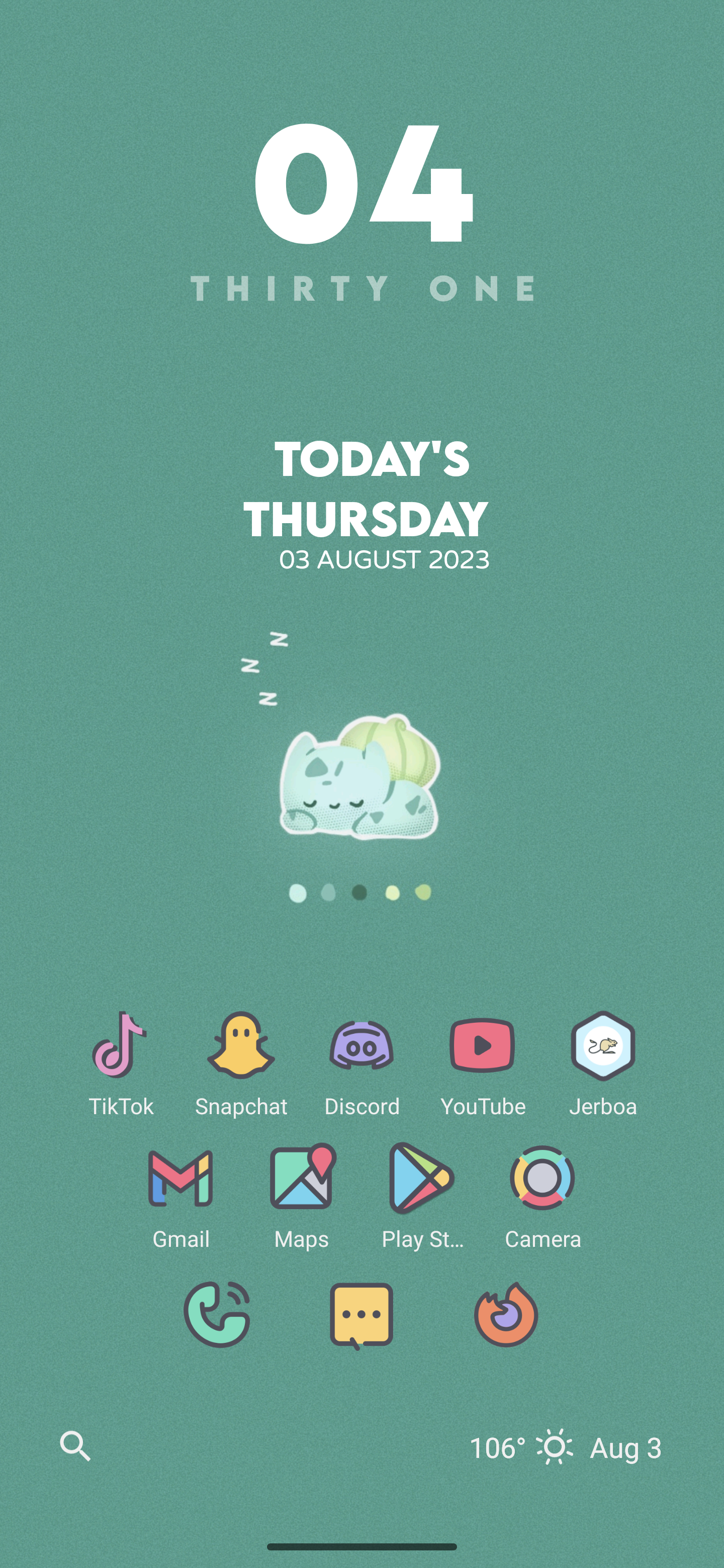
 Wallpaper: wallpapersden iceberg minimalist
Launcher: Nova
Icons: Arcticons dark/light
Widget: Today Weather
Wallpaper: wallpapersden iceberg minimalist
Launcher: Nova
Icons: Arcticons dark/light
Widget: Today Weather
replies:
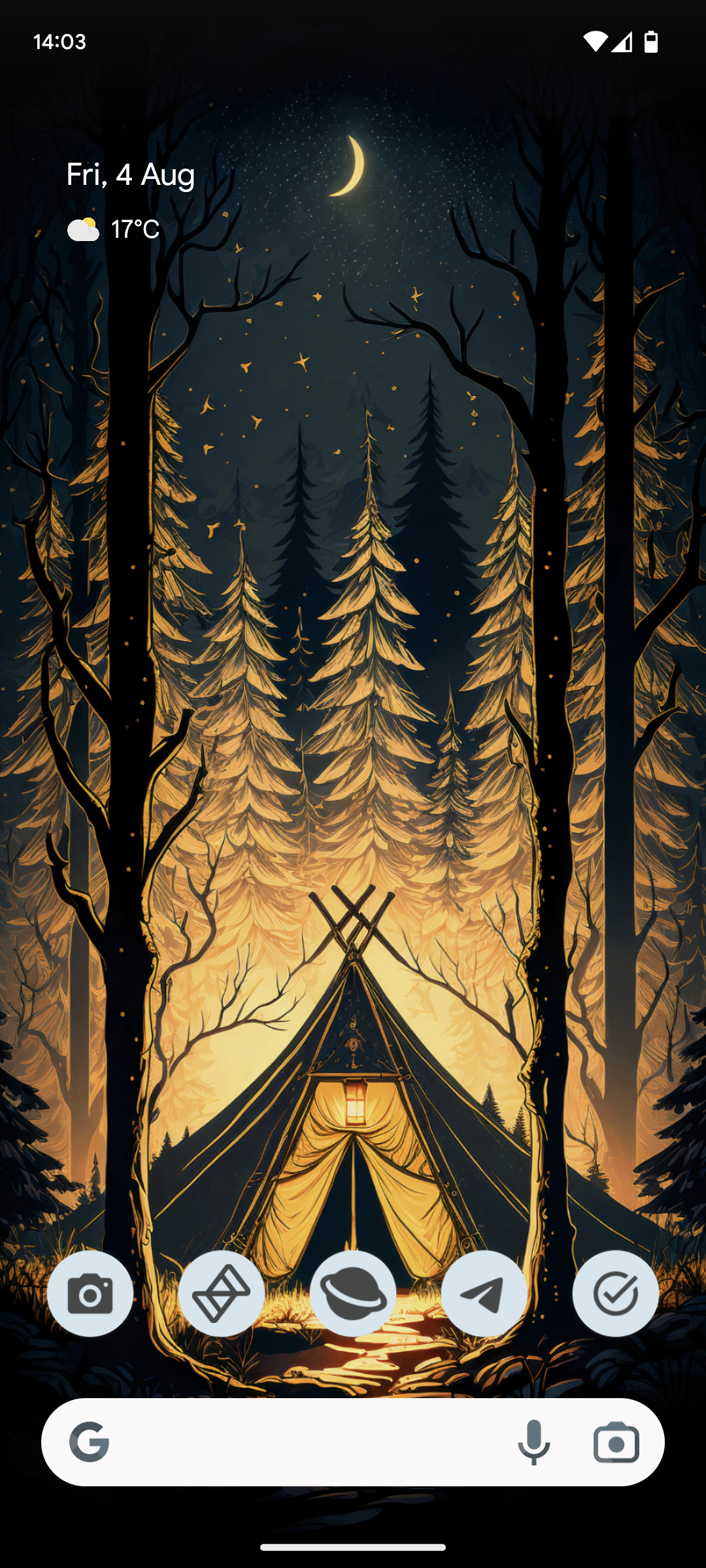
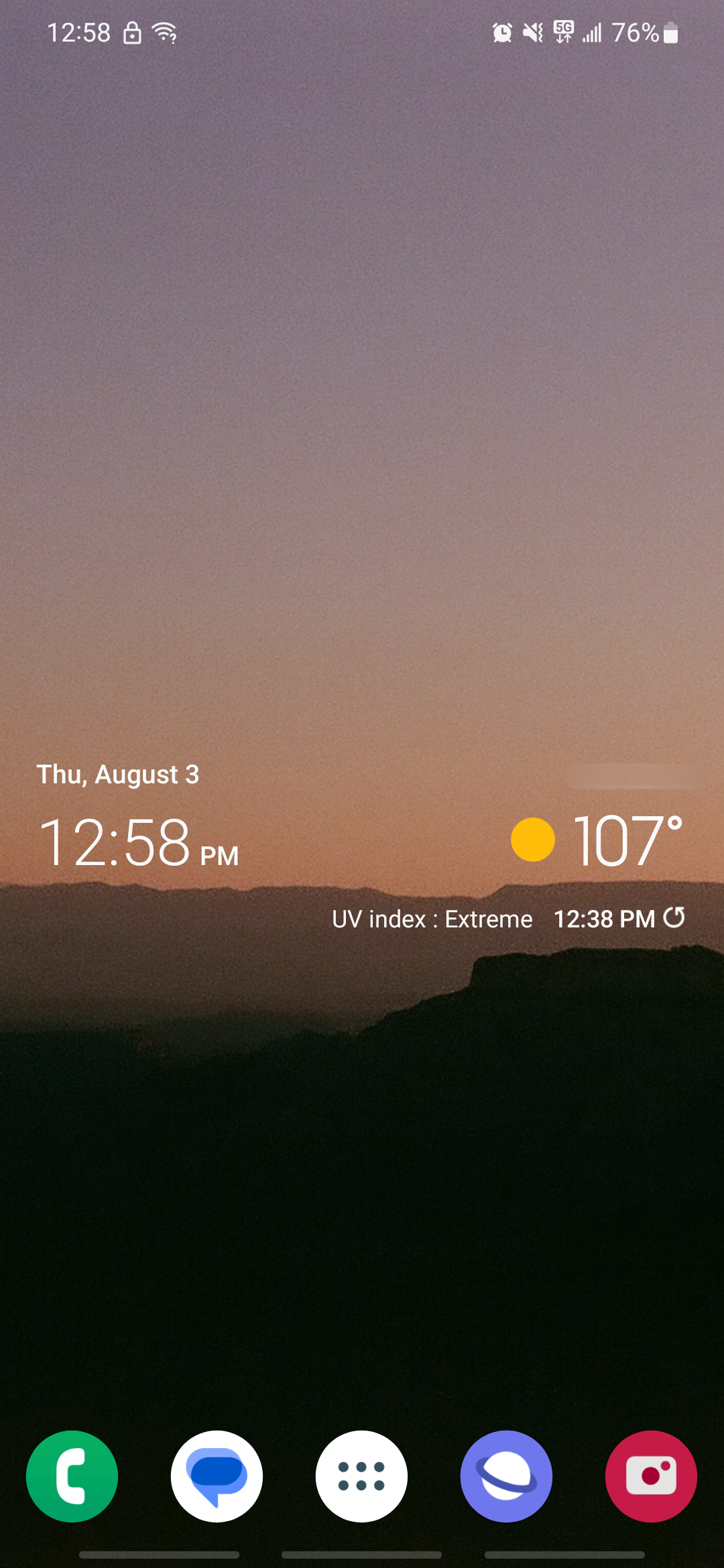
I like to keep it simple.
load more comments
(2 replies)
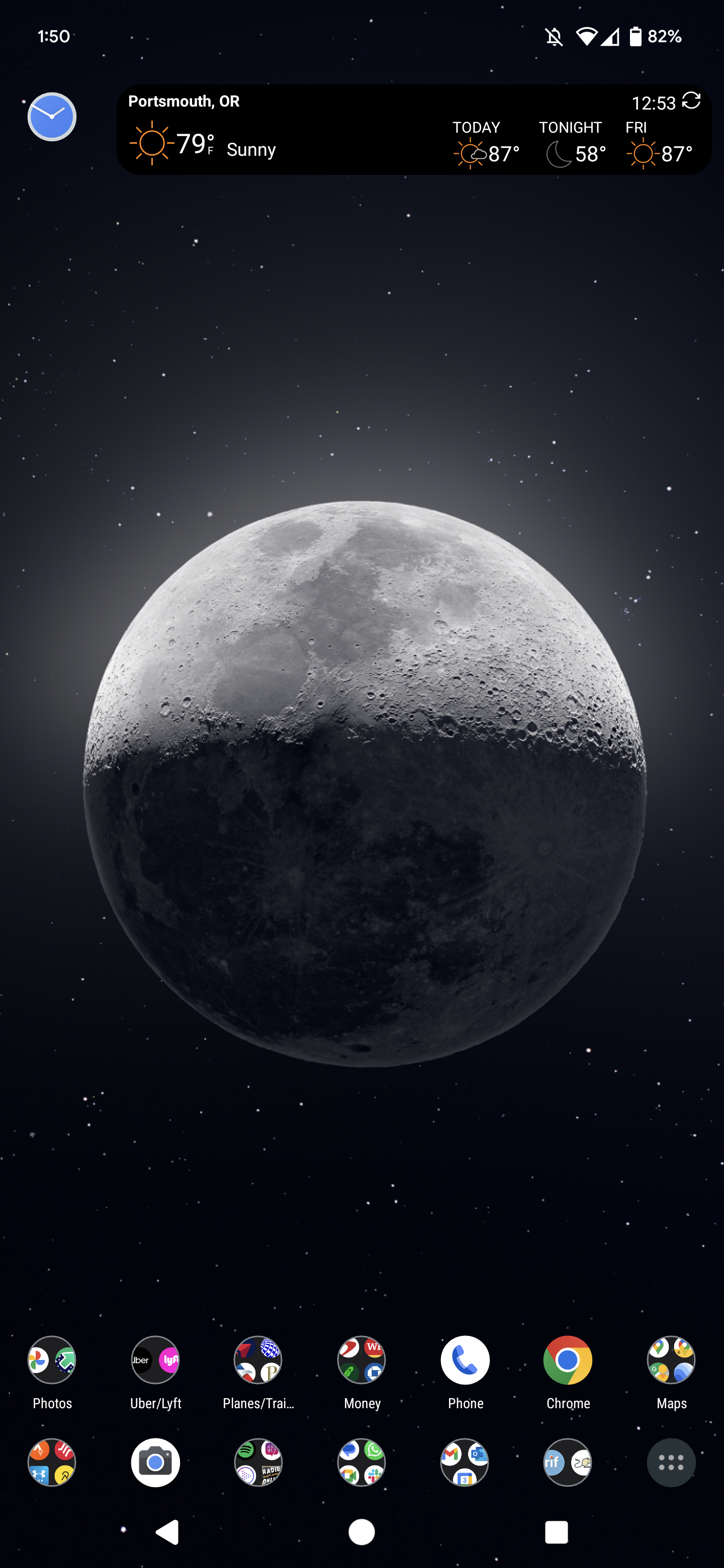
replies:
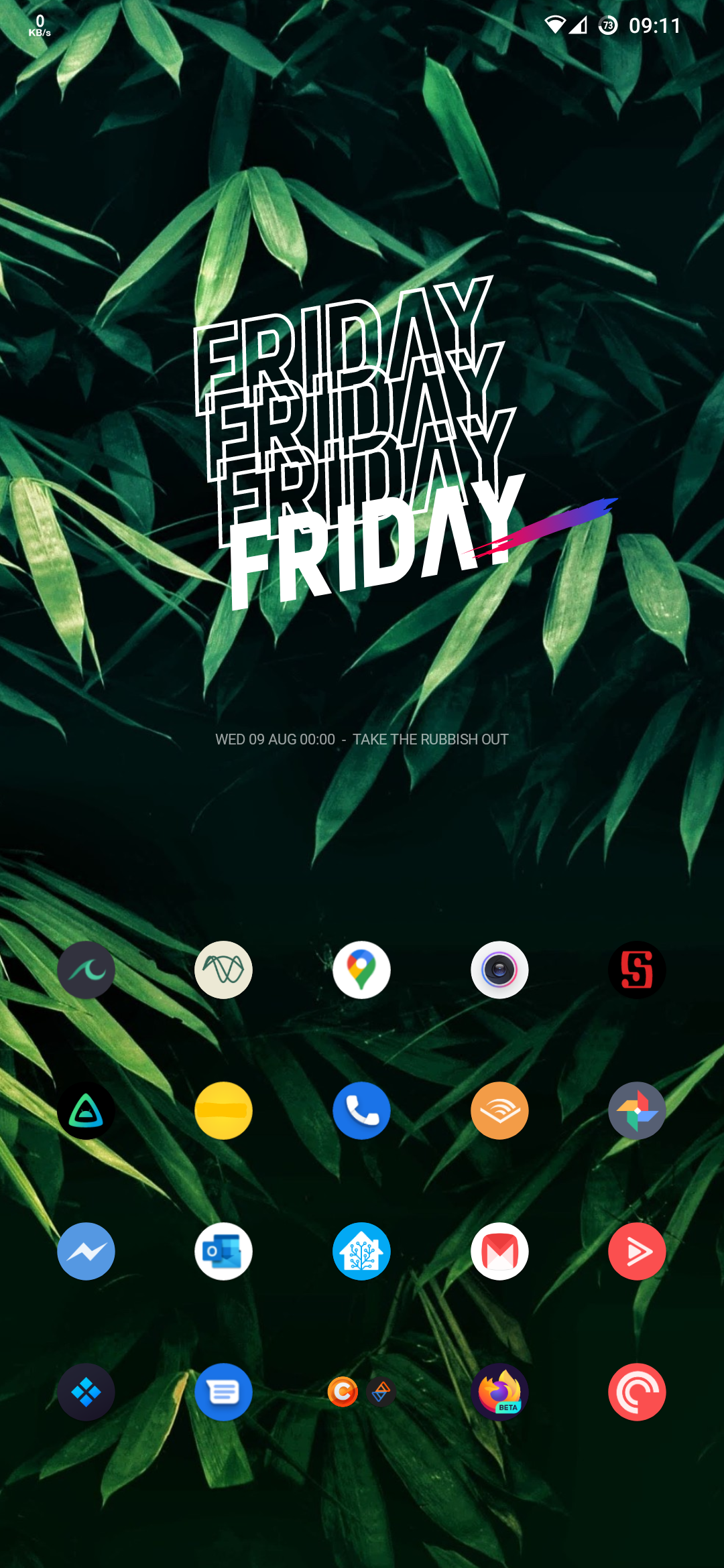
Nova Launcher with tracking blocked. I use EdgeGestures as well for extra functionality.
load more comments
(2 replies)

I feel discriminated against. Anyway, here's my non-Android and non-iPhone screen:

load more comments
(7 replies)
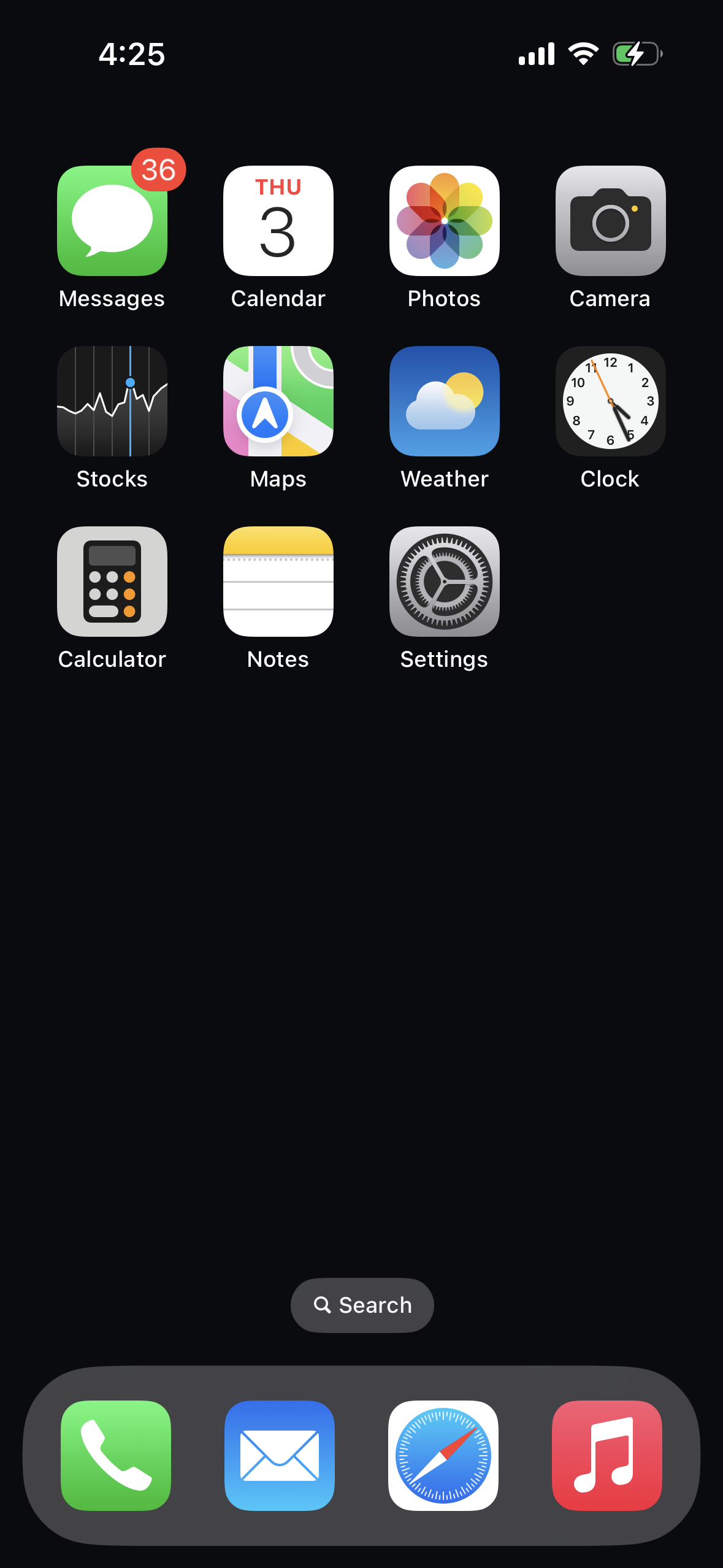
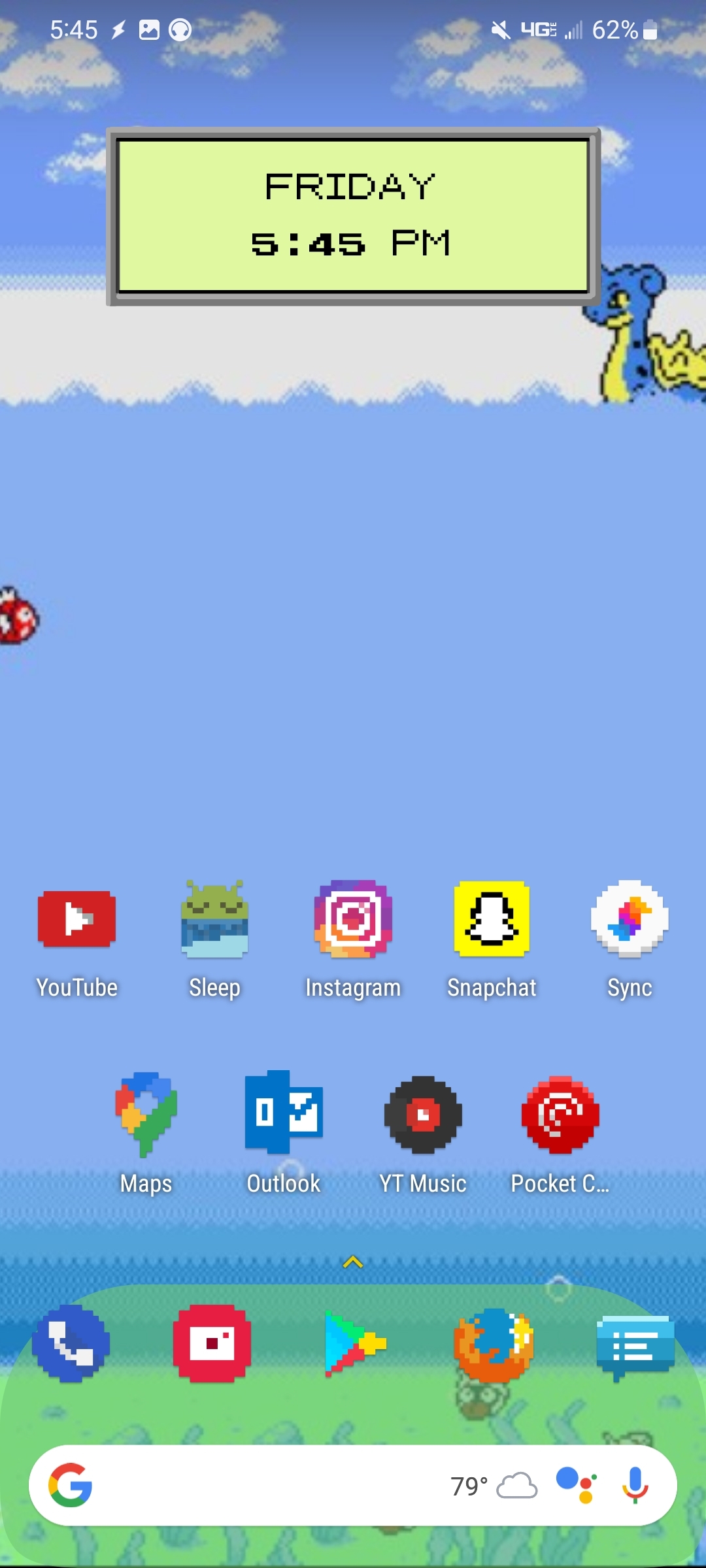
The closest I can get it to iPhone 1.0 given that some apps have changed (it shipped with an Apple-made YouTube app before Google made one that is first-party, for example). Though, to be honest, I always swipe over to the second page before putting it to sleep so that my primary TP-apps are right there when I unlock.
load more comments
(2 replies)
 Using the free version of an app called Niagara and so far I like it! I might even try the pro version.
Background artist is Neko Jinny.
Using the free version of an app called Niagara and so far I like it! I might even try the pro version.
Background artist is Neko Jinny.
load more comments
(2 replies)
I like minimalism.

replies:
load more comments
(2 replies)
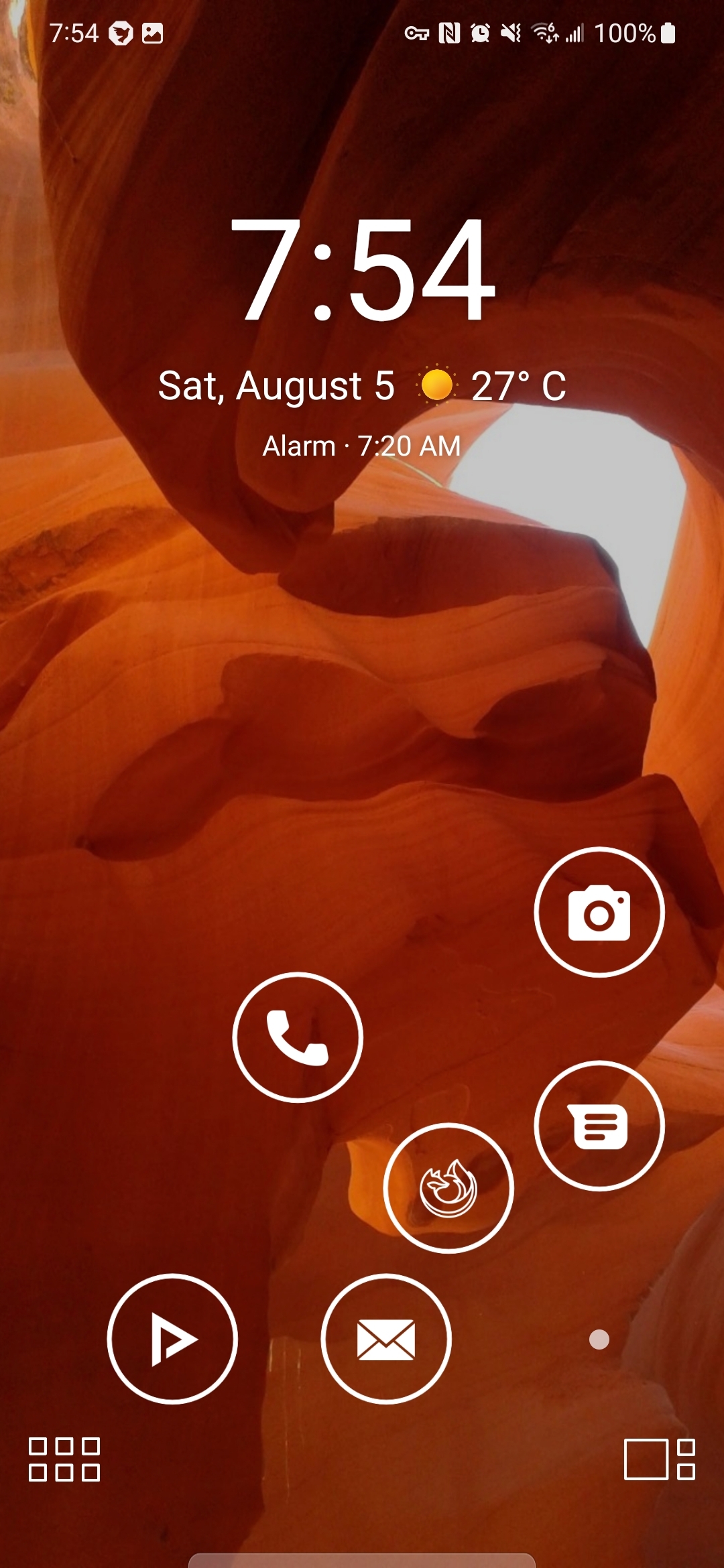
My SmartLauncher homescreen with ergonomically arranged app icons so I don't hurt my thumb on this massive screen (with double-tap options - so 12 total apps there). Can also hide the icons with the dot on the bottom right.
Someone just mentioned this thread in a post I coincidentally put up yesterday on !android@lemdro.id. It was originally going to be a "Show off Sunday" post but I ended up being out of town. Great minds!

load more comments
(2 replies)
Fairly minimalist, I like the big clock and the step meter.

load more comments
(5 replies)
load more comments
(4 replies)
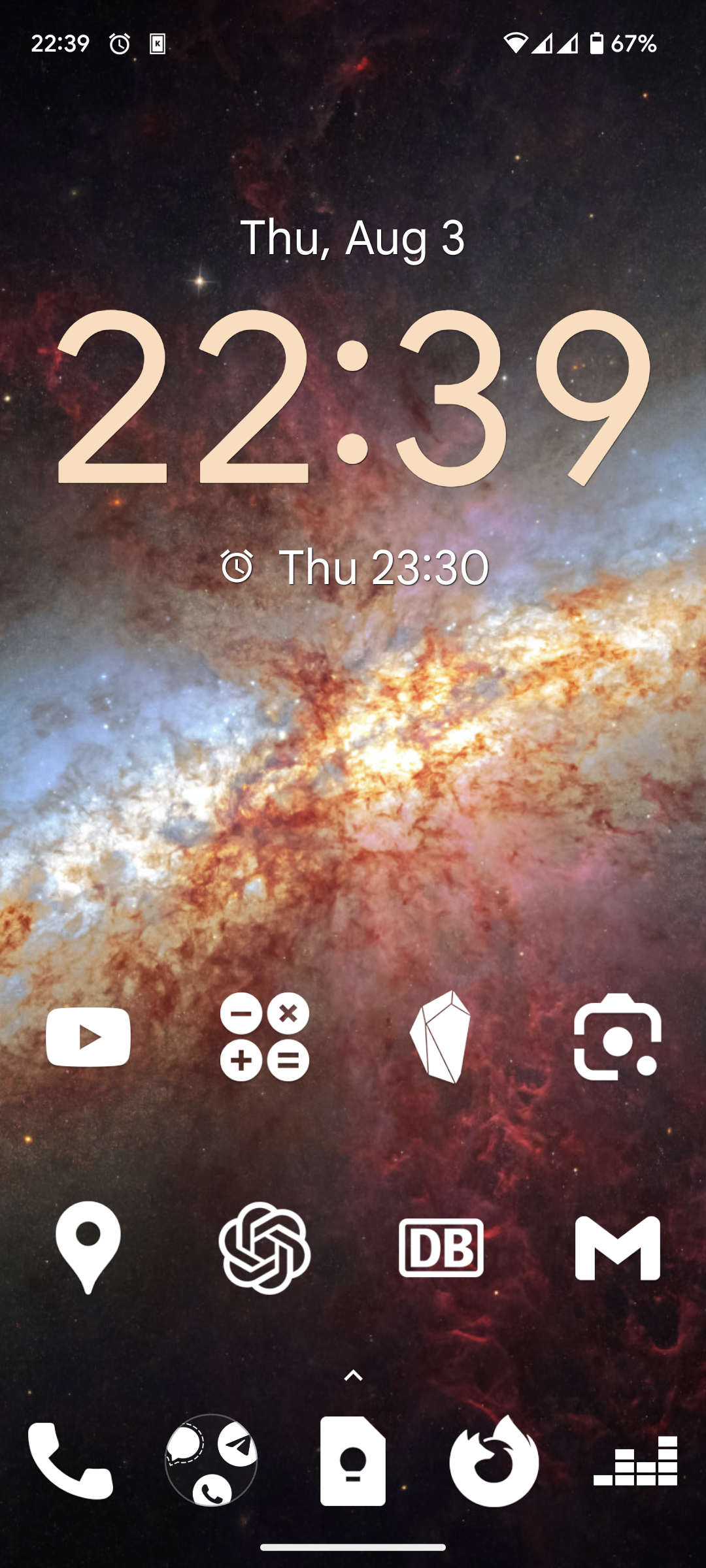
the wallpaper is "NEW Astronomy picture of the Day" from the nasa app
load more comments
(2 replies)
load more comments
(2 replies)
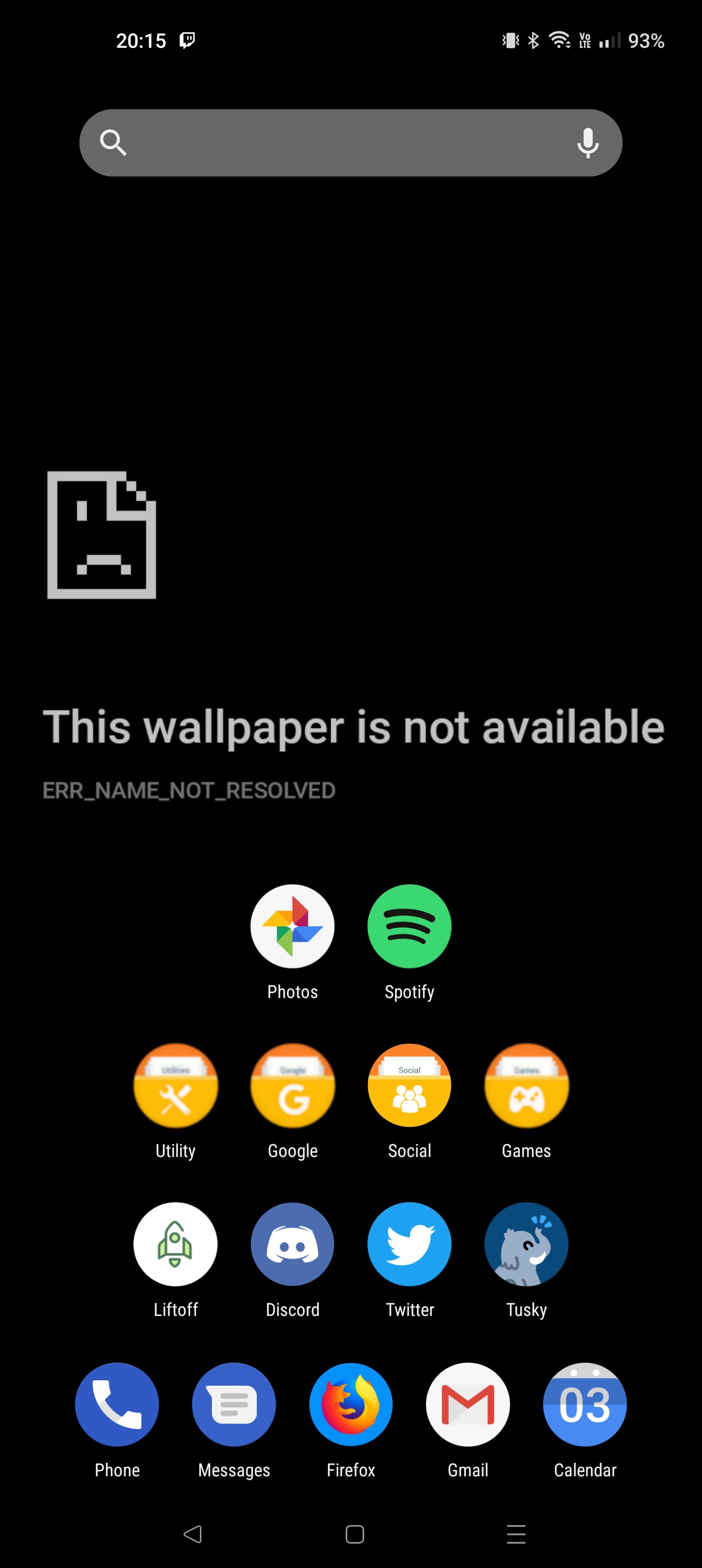
mine is pretty organized
load more comments
(4 replies)
load more comments
(3 replies)
load more comments
(3 replies)

Had it like this for years and I love it, but this thread is giving me ideas. Maybe it's time to change it up
load more comments
(3 replies)

replies:
Ortis Square icon pack
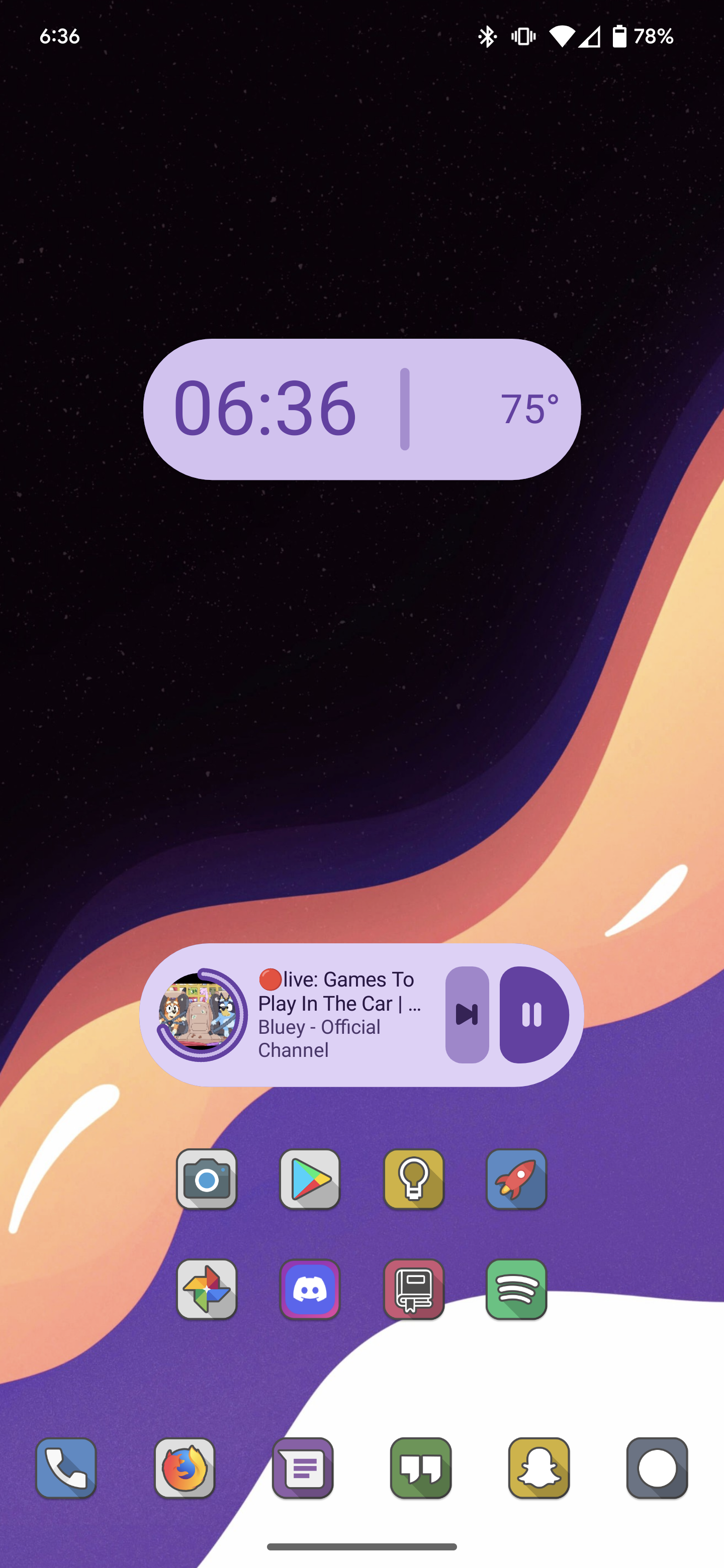
Smart launcher and crayon icons
[deleted]
load more comments
(2 replies)
load more comments
(4 replies)
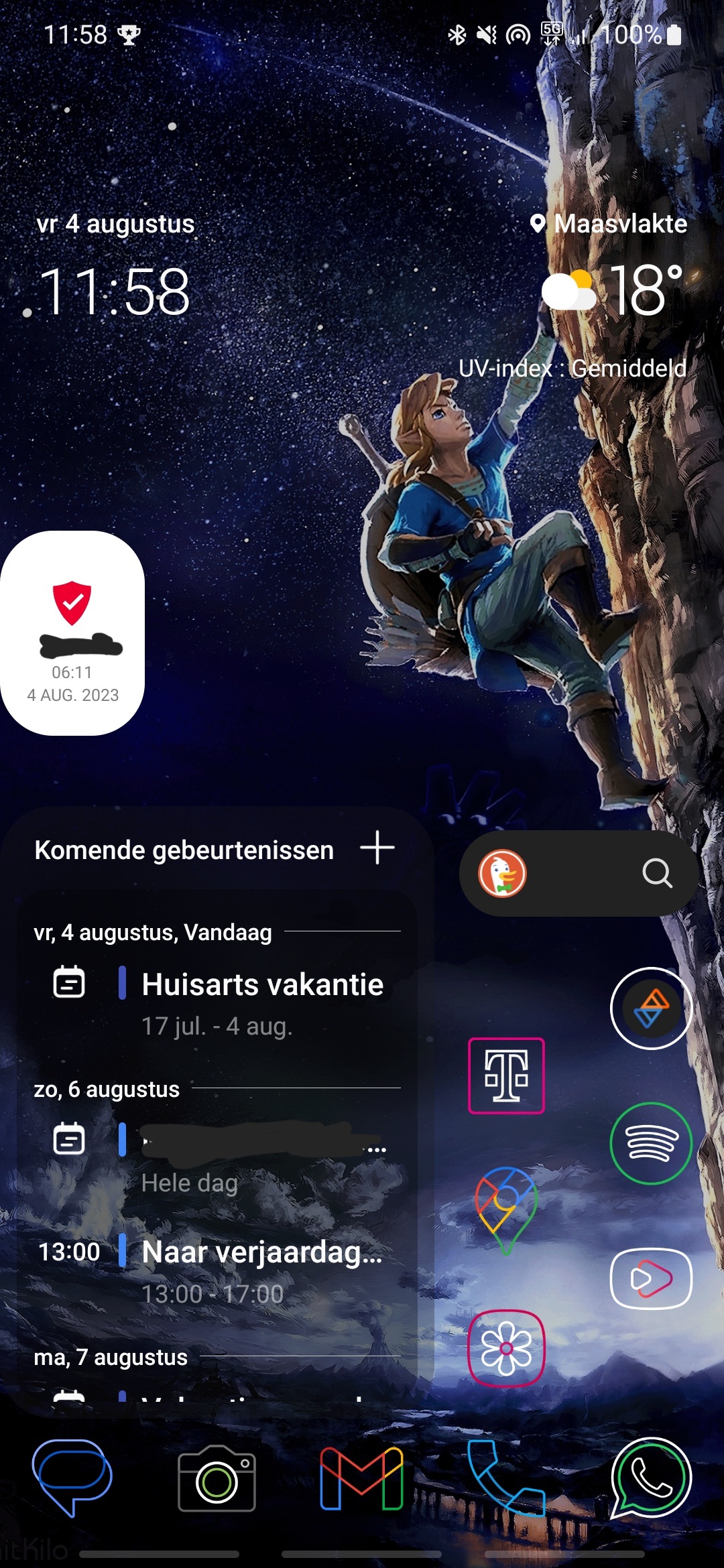
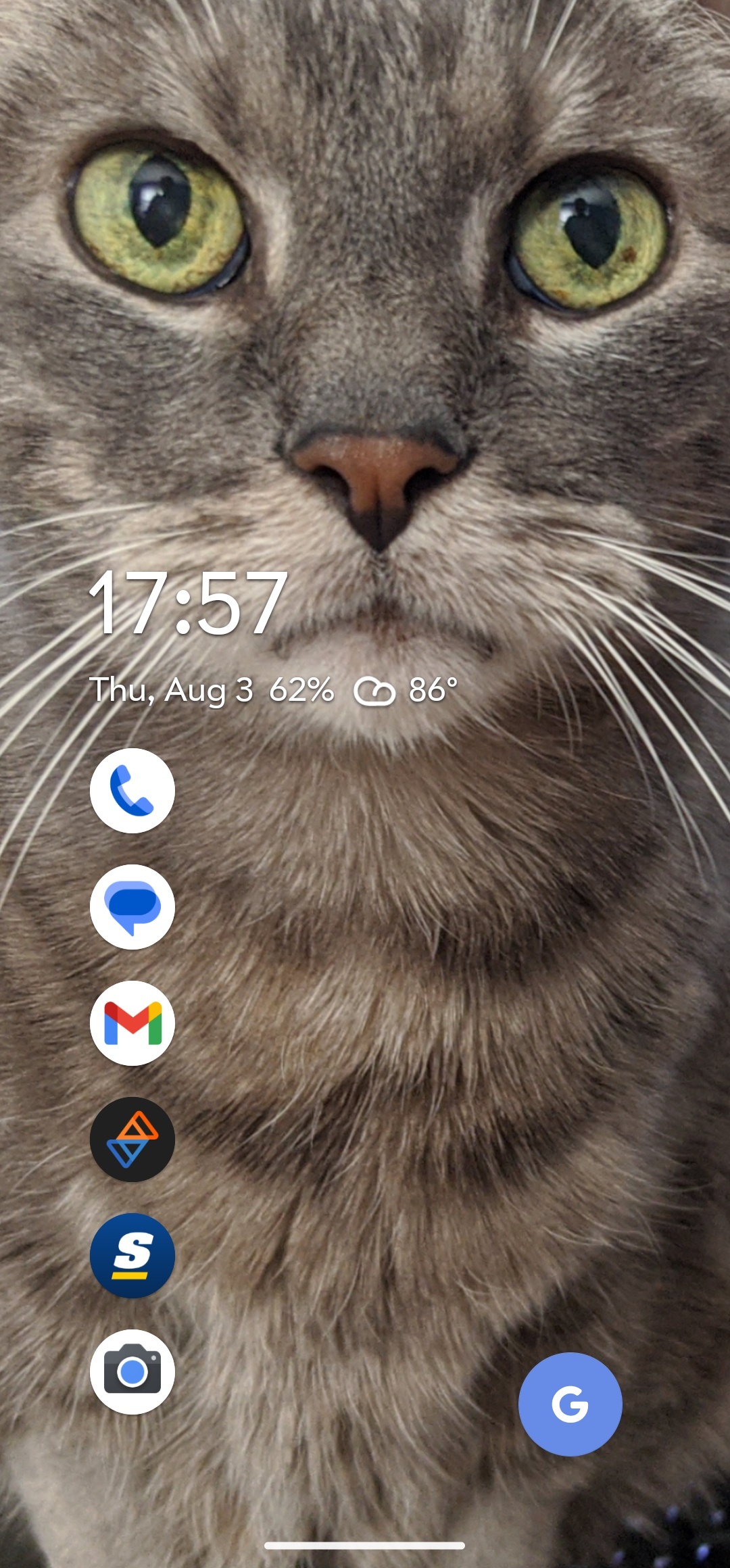
The middle three apps in the dock are dynamic
load more comments
(3 replies)
load more comments
(1 reply)
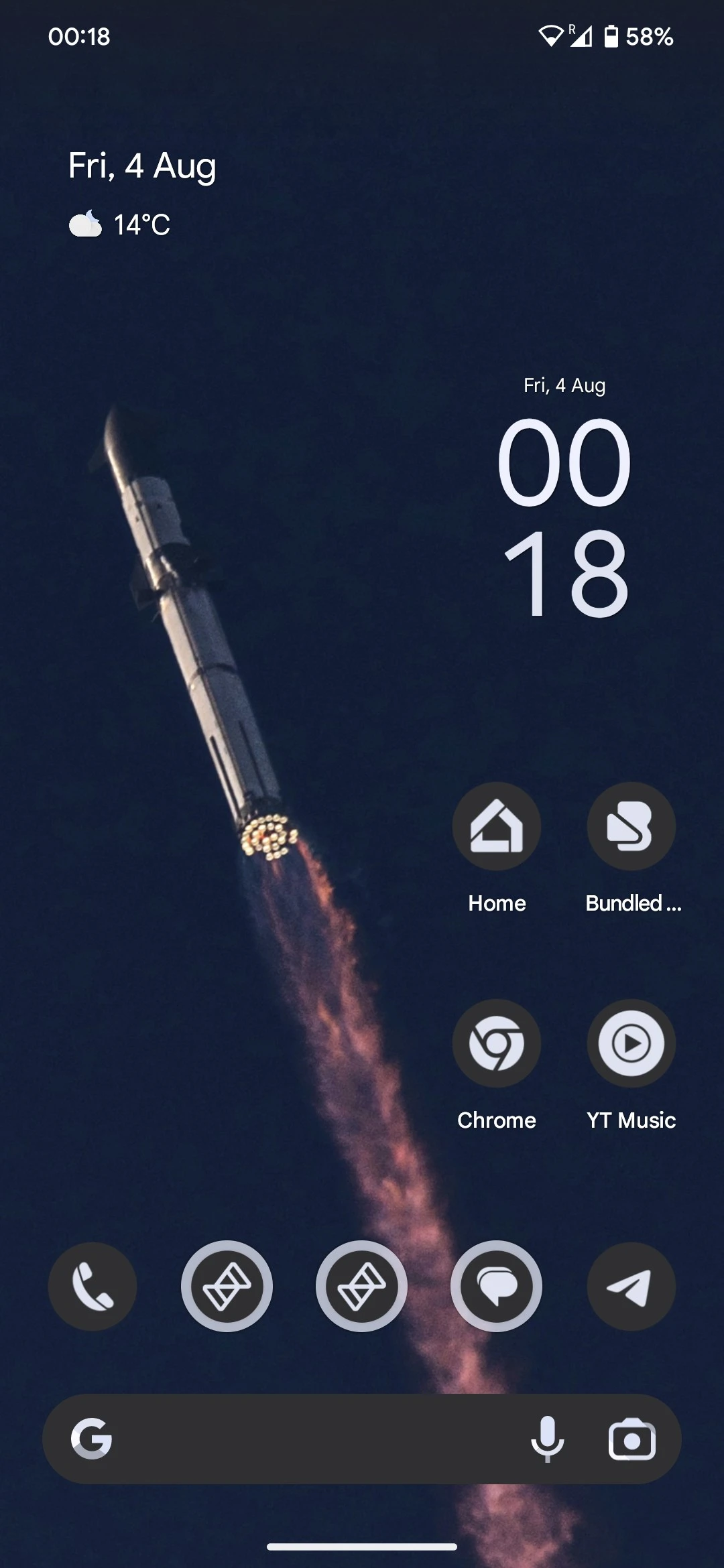
Nice and simple with the stock pixel launcher

I'll have you know I looked at every single one in this thread
view more:
next ›
top 50 comments