you are viewing a single comment's thread
view the rest of the comments
[–] 8 points 1 year ago (13 children)

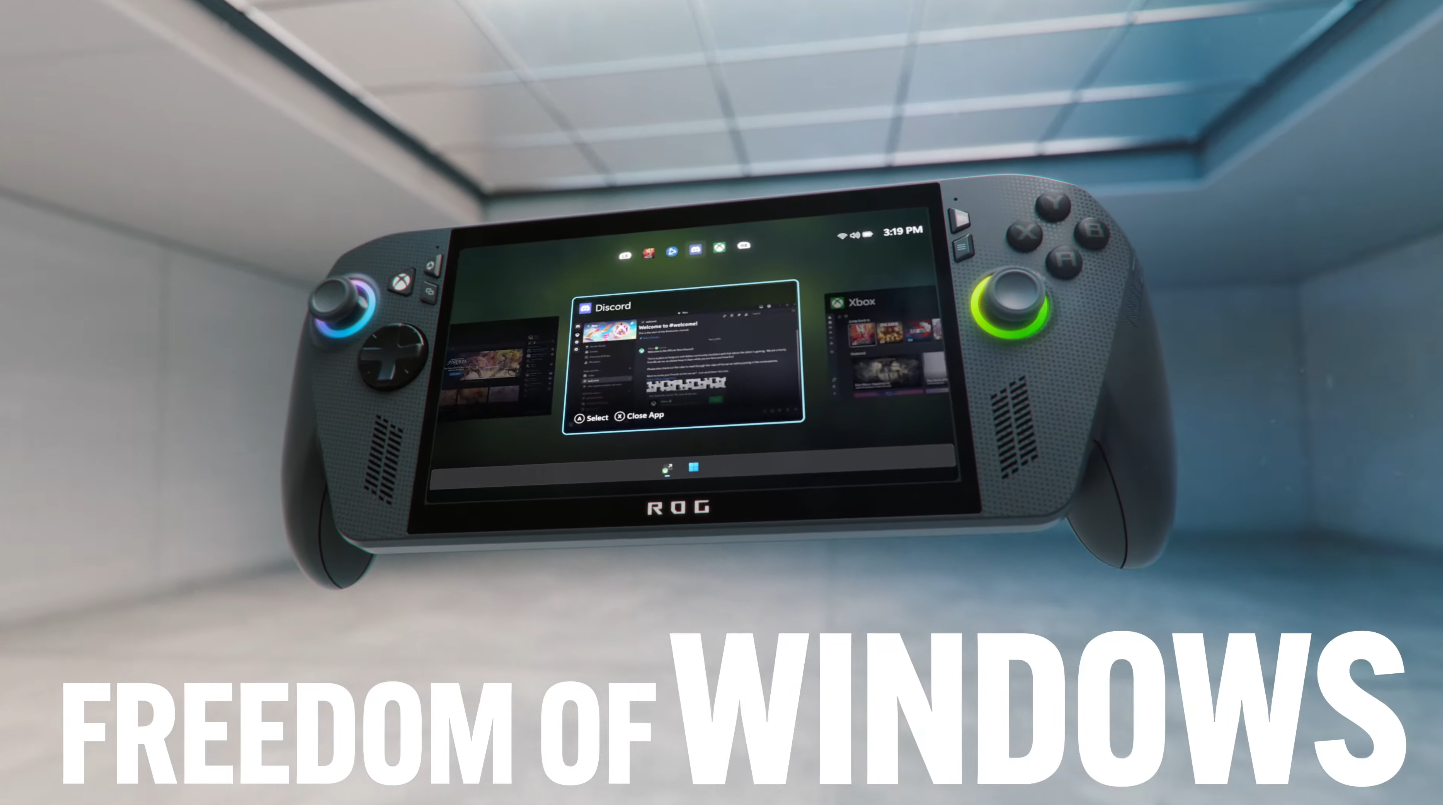
The one thing I took away from it was that the Xbox-button acts as alt tab. I WANT THE SAME FROM MY STEAM DECK IN DESKTOP MODE!

But in Desktop mode the Steam button does absolutely nothing while a game is running.

  • source
  • hideshow 13 child comments
  • [–] 7 points 1 year ago (5 children)

    Why do you use desktop mode for a game?

  • source
  • parent
  • hideshow 5 child comments
  • [–] 6 points 1 year ago (3 children)

    I like to have other apps like a browser easily accessible with proper window management. And most of my games are non-Steam games which allow me to easily swap between desktop and gamepad bindings easily to alt tab out.

    And I've found that running KDE Plasma Wayland has no visible performance impact either. No idea why they use X11 in SteamOS.

  • source
  • parent
  • hideshow 3 child comments
  • [–] 3 points 1 year ago (2 children)

    Steam os is pretty old now, compared to the Wayland readiness timeline, and proton doesn't fully support Wayland yet

  • source
  • parent
  • hideshow 2 child comments
  • [–] 3 points 1 year ago (1 child)

    Ah, but the really funny thing is how Gaming Mode works.

    They start the gamescope wayland compositor which launches an XWayland session to run the Steam client in. Which will start gamescope to run the game, which will use a second XWayland session to actually run the game in.

    It'll probably take at least two more years until they can get rid of X.

  • source
  • parent
  • hideshow 1 child comment
  • [–] 3 points 1 year ago* (last edited 1 year ago) (2 children)

    Can't you map Alt-Tab to one of the back buttons? Or does that not work in desktop mode?

    EDIT: Or if that doesn't work through steam then is there gamepad software in KDE or the Software Centre that lets the desktop map gamepad buttons?

  • source
  • parent
  • hideshow 2 child comments
  • [–] 2 points 1 year ago (3 children)

    I guess you could remap them in desktop mode? I haven't tried but it should be possible.

  • source
  • parent
  • hideshow 3 child comments
  • [–] 2 points 1 year ago (2 children)

    No, you cannot change the mapping of the Steam and ... buttons. They are only available to the Steam client. You cannot remap the Steam+other button combinations either.

    Funnily enough when no game is running the Steam button focuses the Steam window. But that functionality is gone as soon as a game is running. Really frustrating.

  • source
  • parent
  • hideshow 2 child comments