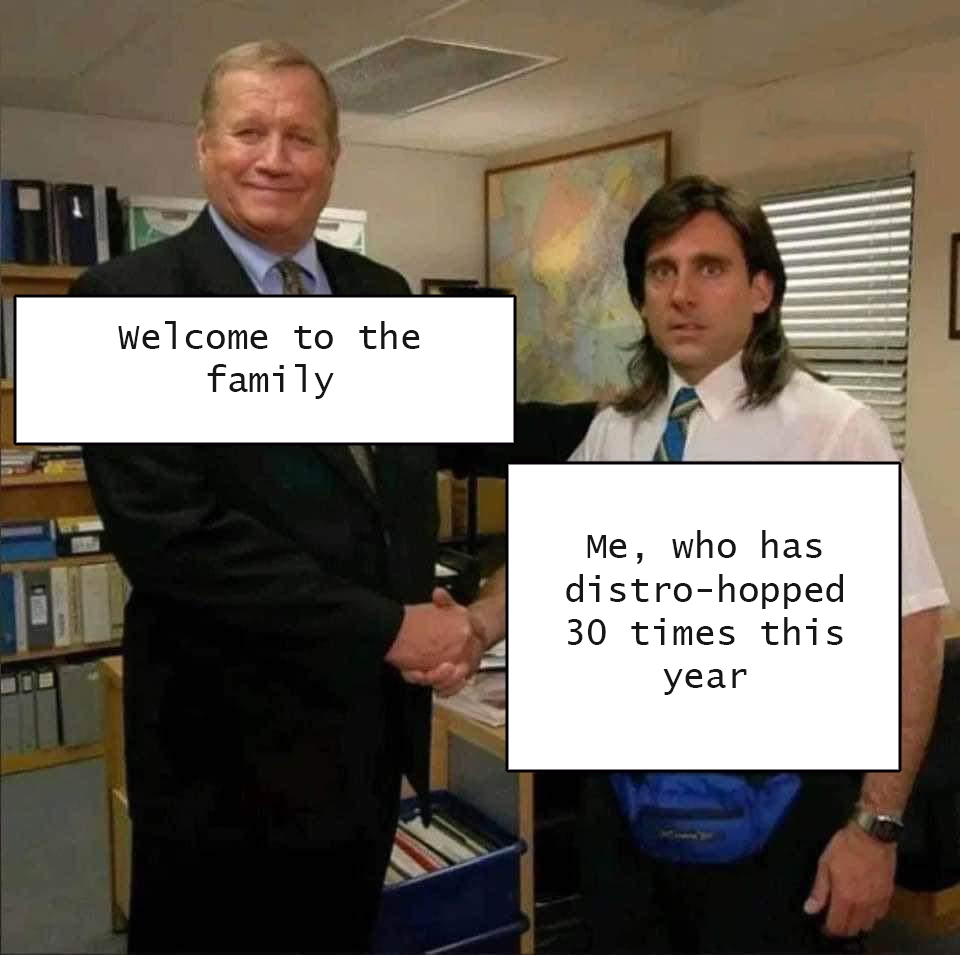
Linux is the family, you're just meeting different people at the different spots of the buffet
post
I switched from Pop_OS! to KDE Neon because I wanted to try out the latest Plasma features. I was tired of GNOME's bloat and needing an extension/Tweaks for basic functionality.
Then KDE broke screen sharing, bricked my install once by breaking LUKS disk encryption, and then it booted to a black screen on updating to the latest LTS.......
So now I'm on Mint and all of my servers are on Debian because I want something that just works. Lol. No more distro hopping.
Sticking to Endavour OS I think, but I said the same thing about Archlinux and Mint and Neon and Debian so who knows!
Ah those days when I was all fired up and re-installed Linux at the drop of a CD-R.
This is my distrohopping log for anyone interested
Linux Mint 20.1 Xfce
February 21, 2021
Zorin OS 16 Beta
April 21, 2021
KDE neon
May 12, 2021
Solus 4.3 Budgie
August 13, 2021
Debian 11+ KDE
August 18, 2021
Started Gentoo Experimentation
April 27, 2024
I'm still using Debian (now Debian 12) with the exception of Gentoo on my desktop PC that I rarely use
Anyone got advice for a Linux distro that will run good with 2 in 1 laptop (the touchscreen tablet ones) I tried an os and the keyboard was meh. Or alternatively, how I can set up an is to work best on a laptop of that kind.
I have Linux mint on my 2 in 1 laptop with touch screen, itβs been good.
I literally was up until 5a this morning helping a friend try to search and distrohop because Mint, Ubuntu, and Fedora all had issues with returning to desktop mode after being put in tablet/slate mode. Keyboard and touchpad just never reenabled. It goes into tablet mode just fine, but refuses to come out. Tons of threads about disabling the keyboard and touchpad because they don't disable for users, almost none for enabling when put back into laptop form.
It's their first experience with Linux and I'm super frustrated.
I run EndeavourOS on a Lenovo Yoga and it works great for the most part. Only thing really missing for me is programming thr buttons on the stylus, but it's too minor of an inconvenience to deal with IMO. Keyboard, track pad, and touch screen all work as intended.
I don't know which distro is best, but you might want GNOME desktop for tablet. Its desktop control is ideally suited for touch and gesture methods on a tablet
Gnome devs are UX design geniuses. They made a desktop environment that is highly suitable for both touch and desktop usage (Windows wasn't successful with that goal). It's also beginner-friendly without being cartoonish like Windows XP.
Personally i am using pop os with Wayland enabled on my surface pro 3
I've been using Pop Os on my Thinkpad X1 Yoga 3rd for about 2 month now. It's great but i have touchscreen problem with touchscreen not working after i left the laptop to sleep/standby
I can't wait to get my new laptop in November. I'm going to make my old one a Linux-only machine for all non-gaming purposes, and 100% going back to Mint.
You can get a cheap Chromebook too, I got one in front of me! 140β¬, corebooted with MrChromebox coreboot, runs LUKS encrypted Fedora Kinoite just fine!
Battery lasts 8h, but that thing has no storage and a pretty damn slow CPU
Been using arch with DWM for a decade, why would I want to try anything else?
top 50 comments