301
submitted 1 year ago by to c/godot@programming.dev
302


Hello everybody! The effect I’ll be creating in this video originated as a combination of the algorithm used for rendering a 3D tunnel and several applications of so-called fractal Brownian motion, which I explored while working on some of my fractal shaders. And since I most likely didn’t explain anything clearly with that introduction, we’ll go through everything step by step.

303


I'm mostly concerned about if I'm understanding how Godot does things. I'm coming from Love2D and so messing a lot with the GUI has been a new workflow for me completely. Please disregard the absolute mess that my code is, I'm trying to get through things quickly and not necessarily cleanly. Also, I know I don't need to add 'pass' all the time, I just like the pink visual cue that my function is over, sorta like Lua lol.

extends Node2D

var rng:= RandomNumberGenerator.new()

onready var arrow_left: Node2D = $ArrowLeft
onready var arrow_up: Node2D = $ArrowUp
onready var arrow_right: Node2D = $ArrowRight
onready var score_label: Label = $Control/ScoreLabel
onready var health_label: Label = $Control/HealthLabel

var arrow:PackedScene = preload("res://Arrow.tscn")

var arrows: Array = []
var score: int = 0
var health: float = 100.0
var in_left: bool = false
var in_up: bool = false
var in_right: bool = false
var left_pos: float = 0.0
var up_pos: float = 0.0
var right_pos: float = 0.0
var current_left_arrow: Node2D = null
var current_up_arrow: Node2D = null
var current_right_arrow: Node2D = null


func _ready() -> void:
	rng.randomize()
	
	var window_width: float = get_viewport().size.x
	var window_height: float = get_viewport().size.y
	var left_arrow_pos: float = window_width * 0.3
	var up_arrow_pos: float = window_width * 0.5
	var right_arrow_pos: float = window_width * 0.7
	var arrows_height: float = window_height * 0.9
	
	left_pos = left_arrow_pos
	up_pos = up_arrow_pos
	right_pos = right_arrow_pos
	
	arrow_left.position.x = left_arrow_pos
	arrow_left.position.y = arrows_height
	arrow_up.position.x = up_arrow_pos
	arrow_up.position.y = arrows_height
	arrow_right.position.x = right_arrow_pos
	arrow_right.position.y = arrows_height
	pass


func _process(delta) -> void:
	score_label.text = "Score: " + str(score)
	health_label.text = "Health: " + str(health)

	if Input.is_action_just_pressed("left") and in_left and current_left_arrow:
		increase_score()
		arrows.erase(current_left_arrow)
		current_left_arrow.queue_free()
		current_left_arrow = null
		in_left = false

	if Input.is_action_just_pressed("up") and in_up and current_up_arrow:
		increase_score()
		arrows.erase(current_up_arrow)
		current_up_arrow.queue_free()
		current_up_arrow = null
		in_up = false

	if Input.is_action_just_pressed("right") and in_right and current_right_arrow:
		increase_score()
		arrows.erase(current_right_arrow)
		current_right_arrow.queue_free()
		current_right_arrow = null
		in_right = false

	for i in arrows.duplicate():  #supposedly safe iteration?
		i.position.y += 3
		if i.position.y > 540:
			health -= 10
			arrows.erase(i)
			i.queue_free()

	if health <= 0:
		get_tree().change_scene("res://GameOver.tscn")
	if score >= 5:
		get_tree().change_scene("res://ChoosePath.tscn")

	pass


func _on_CreateArrowTimer_timeout() -> void:

	var arrow_instance = arrow.instance()
	var arrow_pos = get_rand_arrow_pos()
	if arrow_pos == 1:
		arrow_instance.position.x = left_pos
	elif arrow_pos == 2:
		arrow_instance.position.x = up_pos
	elif arrow_pos == 3:
		arrow_instance.position.x = right_pos
	arrows.append(arrow_instance)
	arrow_instance.position = Vector2(arrow_instance.position.x, 0)
	add_child(arrow_instance)
	pass


func increase_score() -> void:
	score += 1
	pass


func _on_LeftArea2D_area_entered(area: Area2D) -> void:
	if area.is_in_group("arrow"):
		in_left = true
		current_left_arrow = area.get_parent()  #get the full arrow Node2D to use for deletion
	pass
func _on_LeftArea2D_area_exited(area: Area2D) -> void:
	if area.is_in_group("arrow"):
		in_left = false
		current_left_arrow = null
	pass

func _on_UpArea2D_area_entered(area: Area2D) -> void:
	if area.is_in_group("arrow"):
		in_up = true
		current_up_arrow = area.get_parent()
	pass
func _on_UpArea2D_area_exited(area: Area2D) -> void:
	if area.is_in_group("arrow"):
		in_up = false
		current_up_arrow = null
	pass
	
func _on_RightArea2D_area_entered(area: Area2D) -> void:
	if area.is_in_group("arrow"):
		in_right = true
		current_right_arrow = area.get_parent()
	pass
func _on_RightArea2D_area_exited(area: Area2D) -> void:
	if area.is_in_group("arrow"):
		in_right = false
		current_right_arrow = null
	pass


func get_rand_arrow_pos() -> int:
	return rng.randi_range(1,3)
	pass

I'm not sure if the way I'm doing number randomization is correct and if using duplicate() truly is the right way to remove things from the array. Is it truly deleting the node in the array? Lastly, why can't I seem to get the window size as a script-wide variable? It seems like I can only do so inside the ready function. Thanks!

edit: Code has been properly formatted, sorry!

edit2: From what I can tell this is the right way to remove objects by iterating over the array in reverse

	for a in arrows:
		a.position.y += 300 * delta

	for i in range(arrows.size() - 1, -1, -1):  #iterate safely by going backwards
		var a = arrows[i]
		if a.position.y > 540:
			health -= 10
			arrows.remove(i)
			a.queue_free()

I split up the movement code into its own for loop and then moved the deletion code into the reverse loop.

304


Watching streamers play your game can be nerve wracking, but also fun!

Just for fun I picked the best reactions for this image. Special thanks to the streamers!

My game is Robot Anomaly: https://store.steampowered.com/app/3583330/Robot_Anomaly/
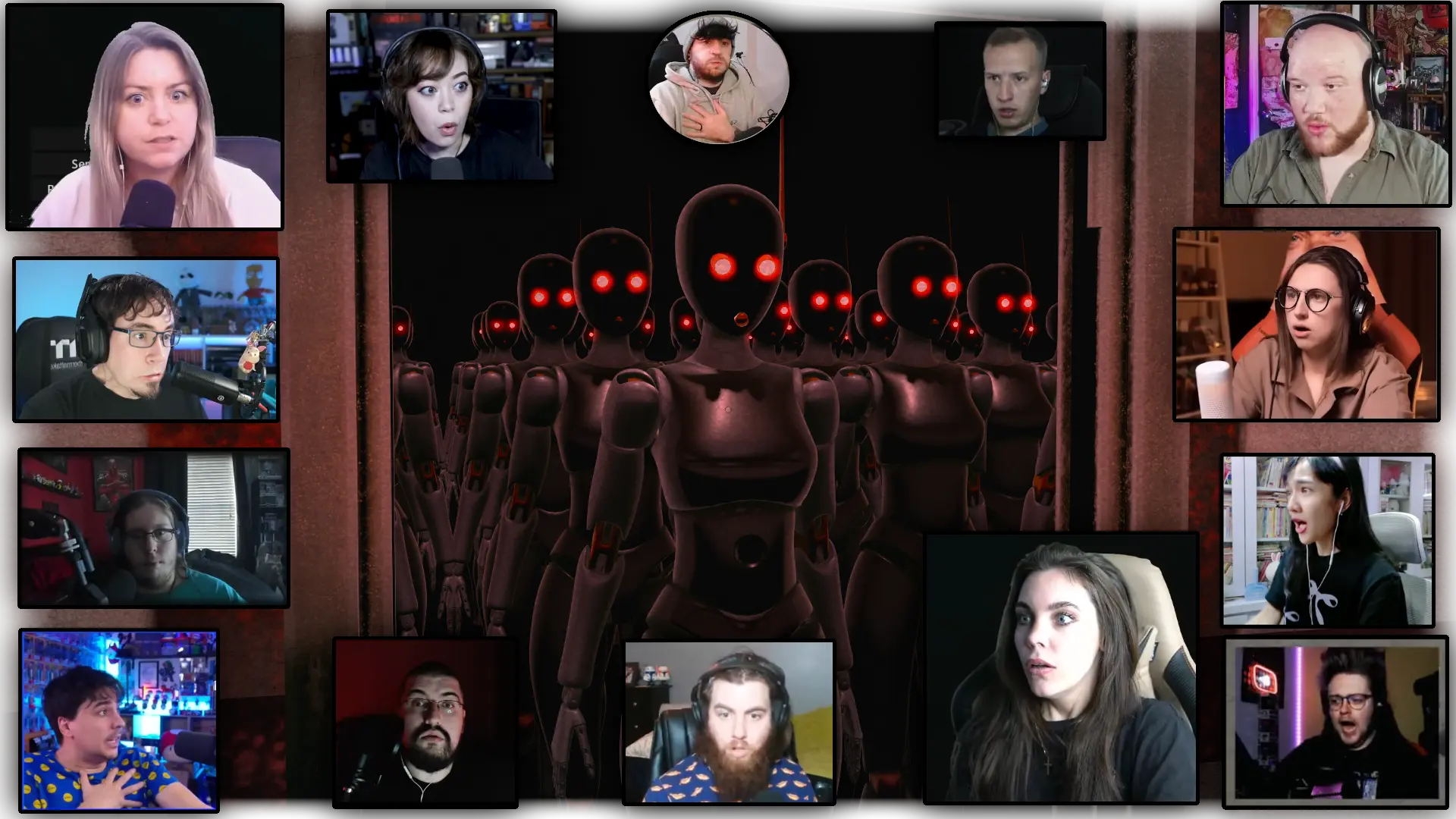
People with scared and shocked expression in small pictures in the foreground. In the background a picture of the game, where a large number of robots with red blowing eyes are standing in the dark.
305
306
307
308


Hi everyone! As I mentioned in the previous video, it’s currently July 2025, and during this holiday period, I don’t have as much time for complex tutorials, so instead, I’ll go with slightly simpler topics. Today’s video will be dedicated to polar coordinates, and in the end, it might even result in a pretty useful effect.

309


cross-posted from: https://gardenstate.social/users/stefan/statuses/114842370287500019

State of Godot and the Web – Adam Scott – GodotCon 2025
https://www.youtube.com/watch?v=u_WMJG0menc

#videogames #godot #youtube #talk #confrence #PCGaming

310


I'm new to Godot and I'd like to make a game with 2d isometric graphics. There are lots of tutorials on using tilesets, but every one I've seen so far uses one image per one tile (even if they're put together in one large spritesheet) like so:

This is problematic if I want to have lots of variation in my base shape, like different egdes and corners and so on. What I'd like to achieve is to have to draw just parts of the blocks and put them together to form a tile in the editor, like so:

This way I only need to modify the specific sub-tiles if i want to change, for example, the look of grass on top, and it will propagate to all tiles with grass on top. I know about tile patterns in Godot, but they seem to be something else. I want to take the triangular patches from my spritesheet and compose the tiles out of them. Is it possible in Godot?

311


How I fixed Pixel Snapping / Jitter in my game using a subpixel camera to achieve smooth pixel perfect movement.

Subsequent related videos:

312


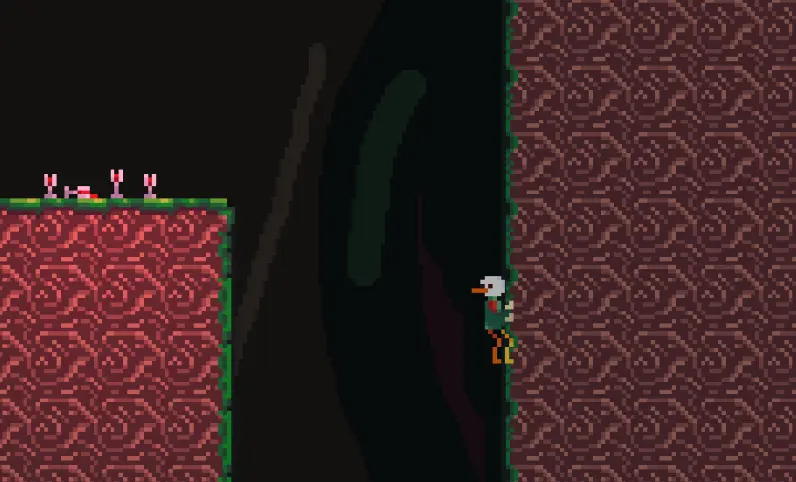
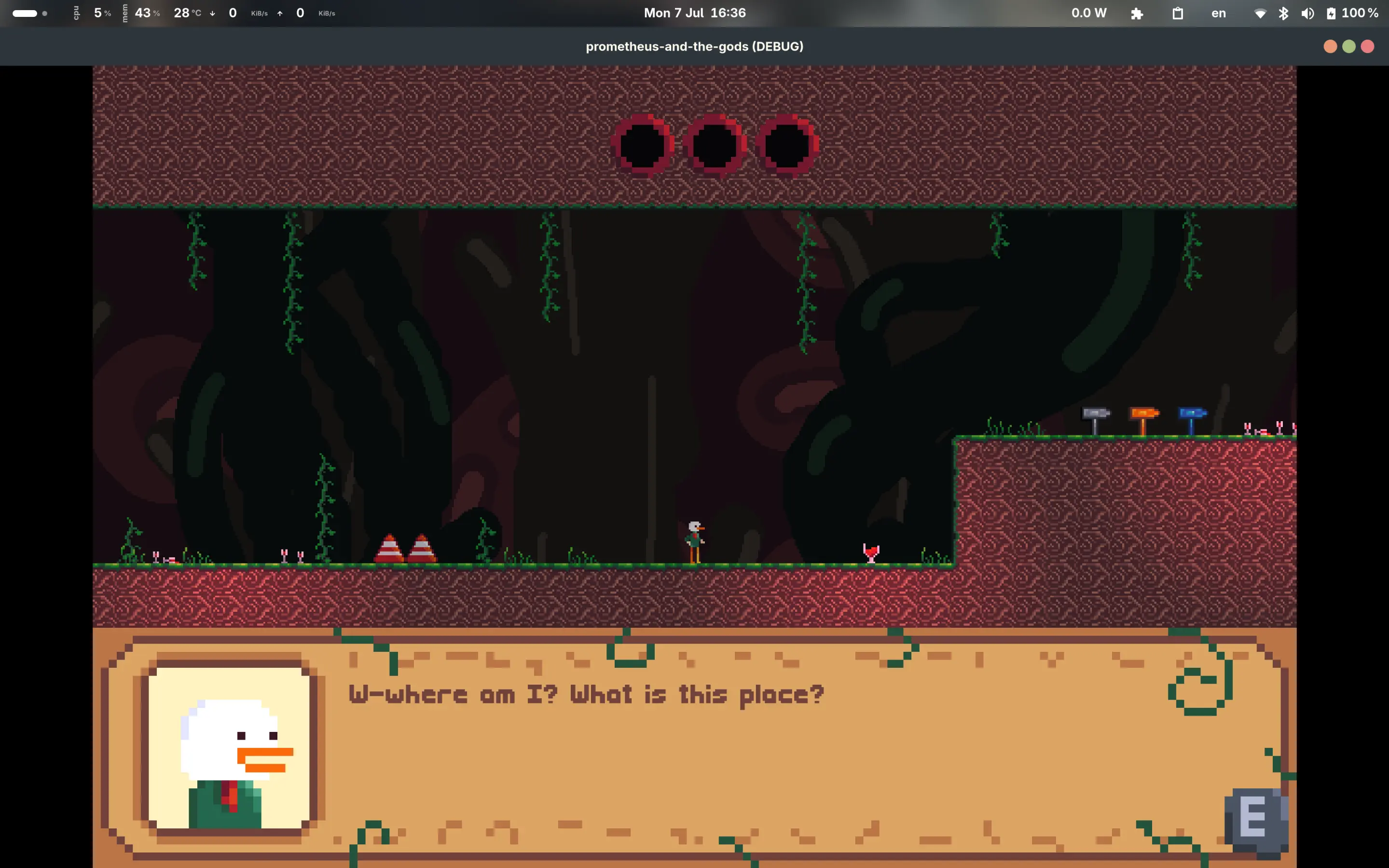
Hi all, I've made some more progress on my game about the 12 Greek Olympian gods! If you didn't know, this is a game where the player (a humble little duck) has to traverse the realms of the gods by solving puzzles and platforming. The aim is to help Prometheus (the Titan who stole fire from the gods) find each god and take their power for the humans (e.g. mastery of the seas from Poseidon). The first part will be on Dionysus, the god of wine.

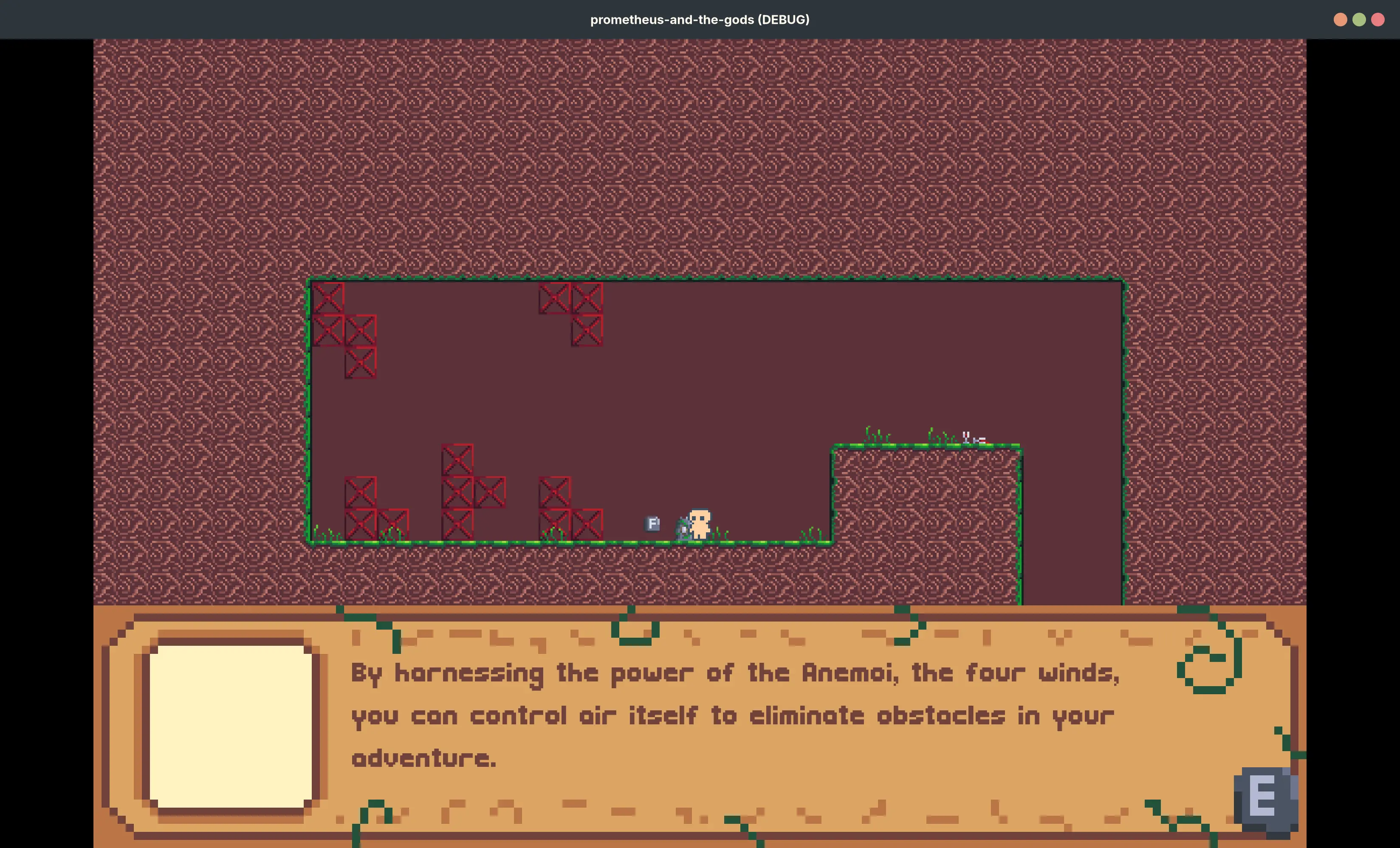
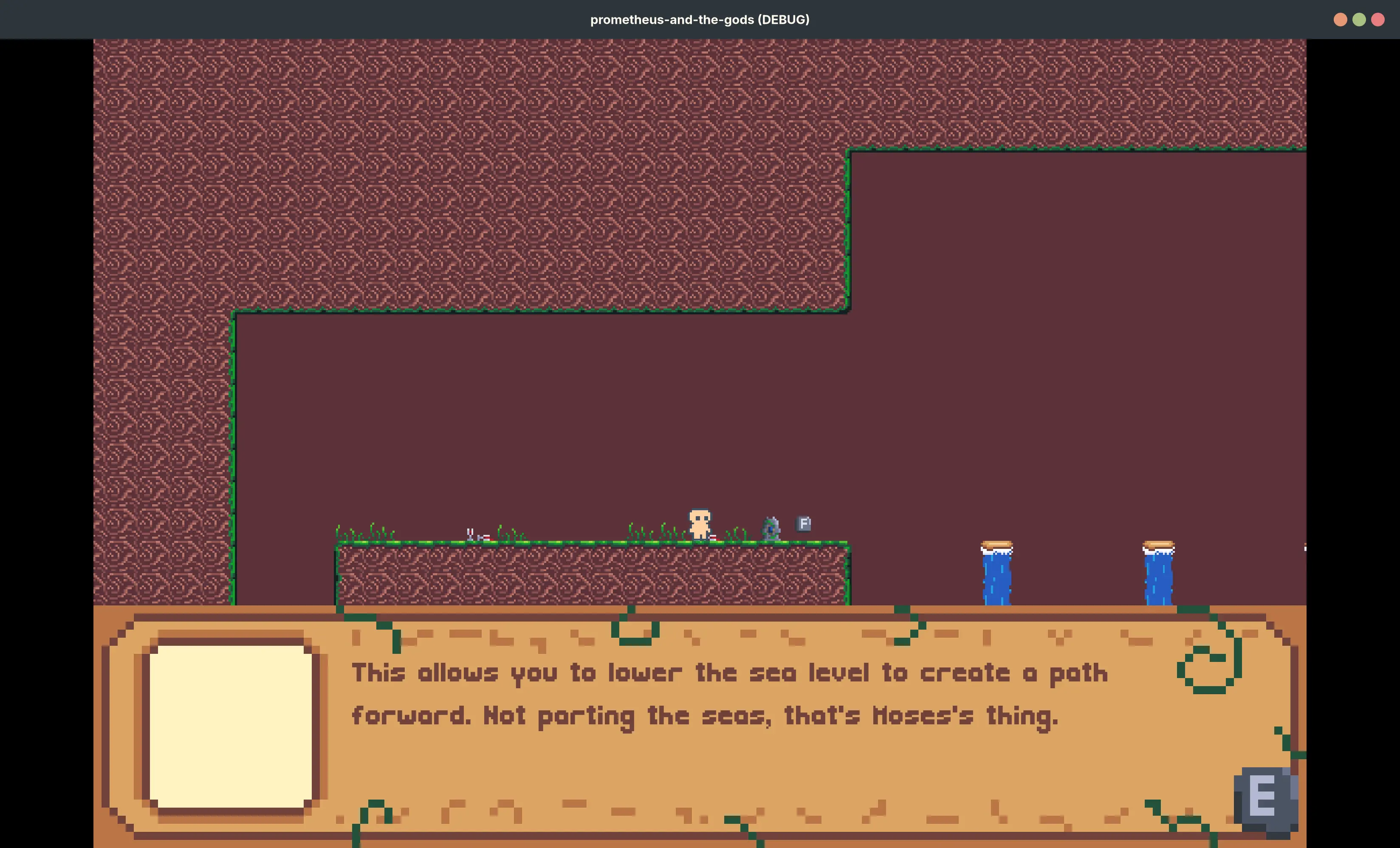
I've added more dialogue and proper dialogue avatars (incl. different expressions!) for the duck, Prometheus, as well as the four winds. See here:

Duck: "W-Where am I? What is this place?"
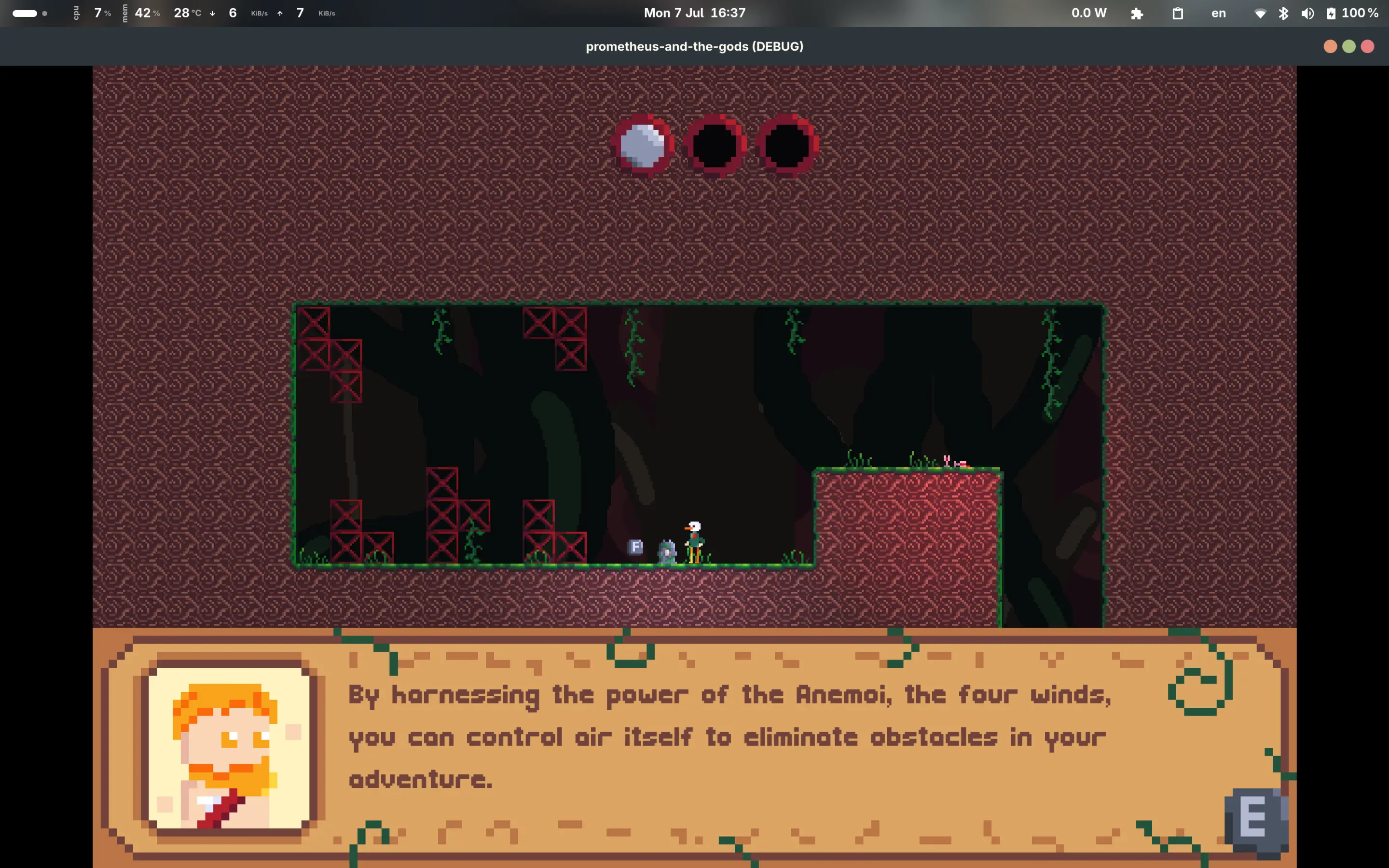
Prometheus (beautiful orange hair + beard): "By harnessing the power of the Anemoi, the four winds, you can control air itself to eliminate obstacles in your adventure."
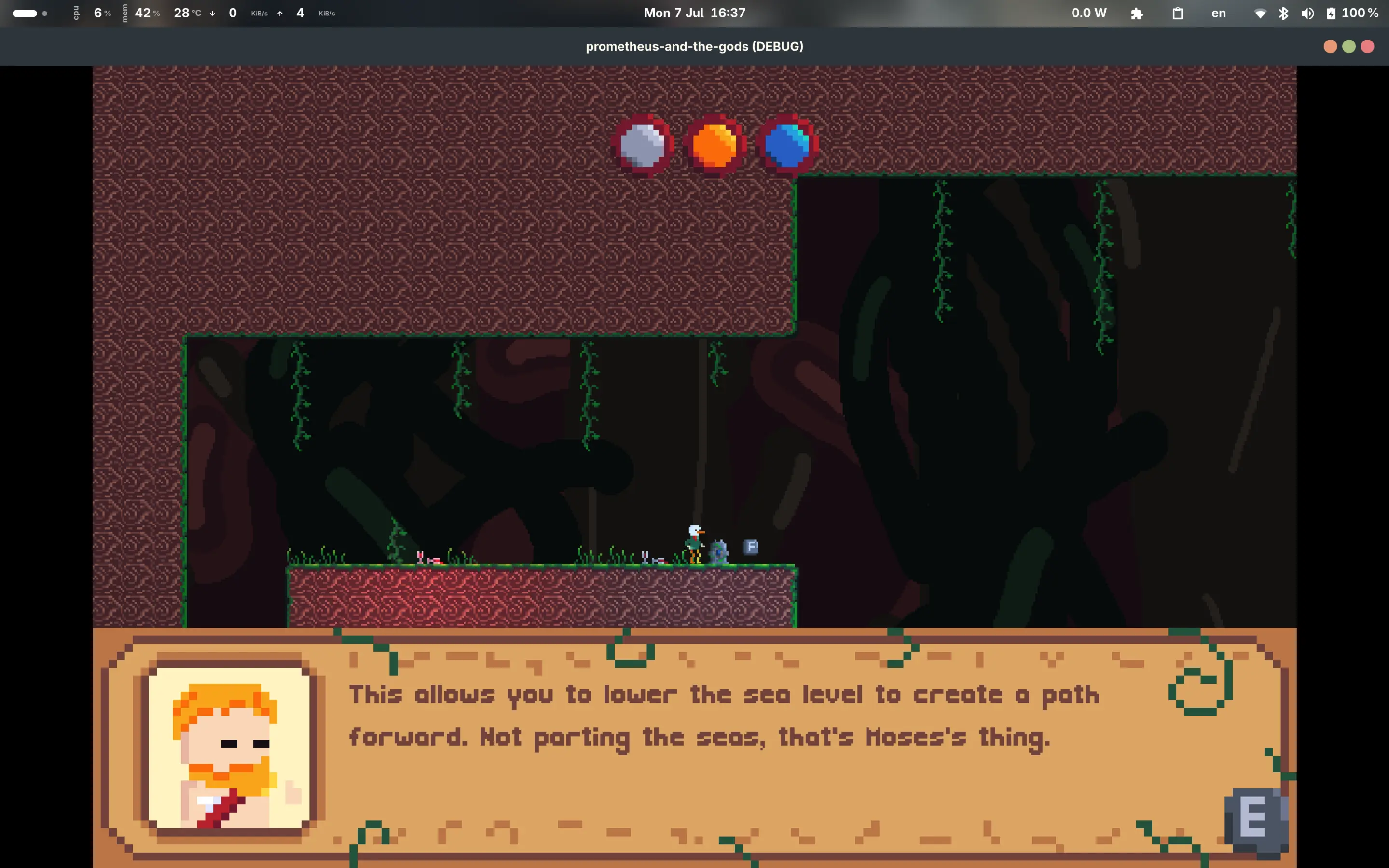
Prometheus: "This allows you to lower the sea level to create a path forward. Not parting the seas, that's Moses's thing."
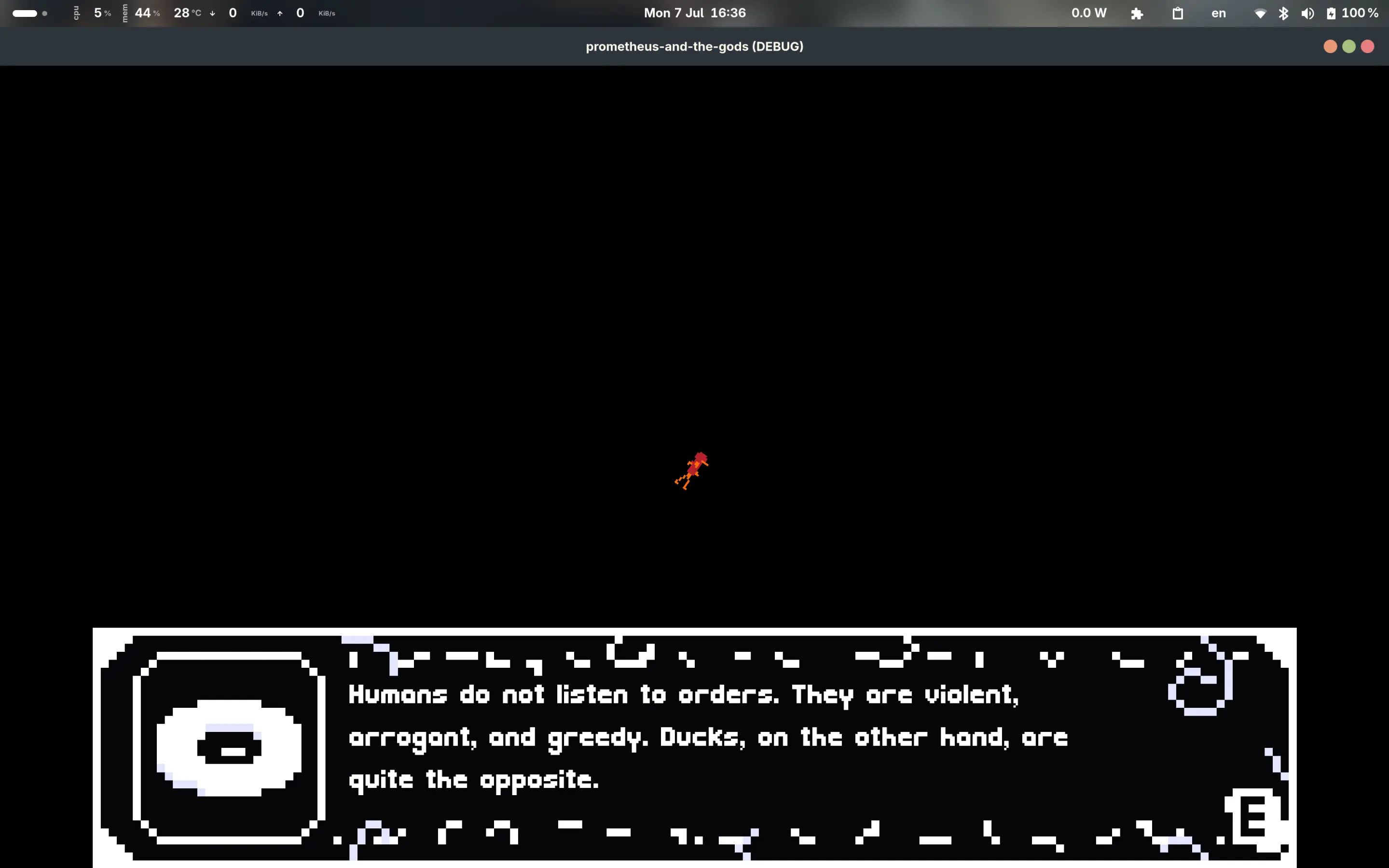
Narrator (eye donut thing): "Humans do not listen to orders. They are violent, arrogant, and greedy. Ducks, on the other hand, are quite the opposite. "
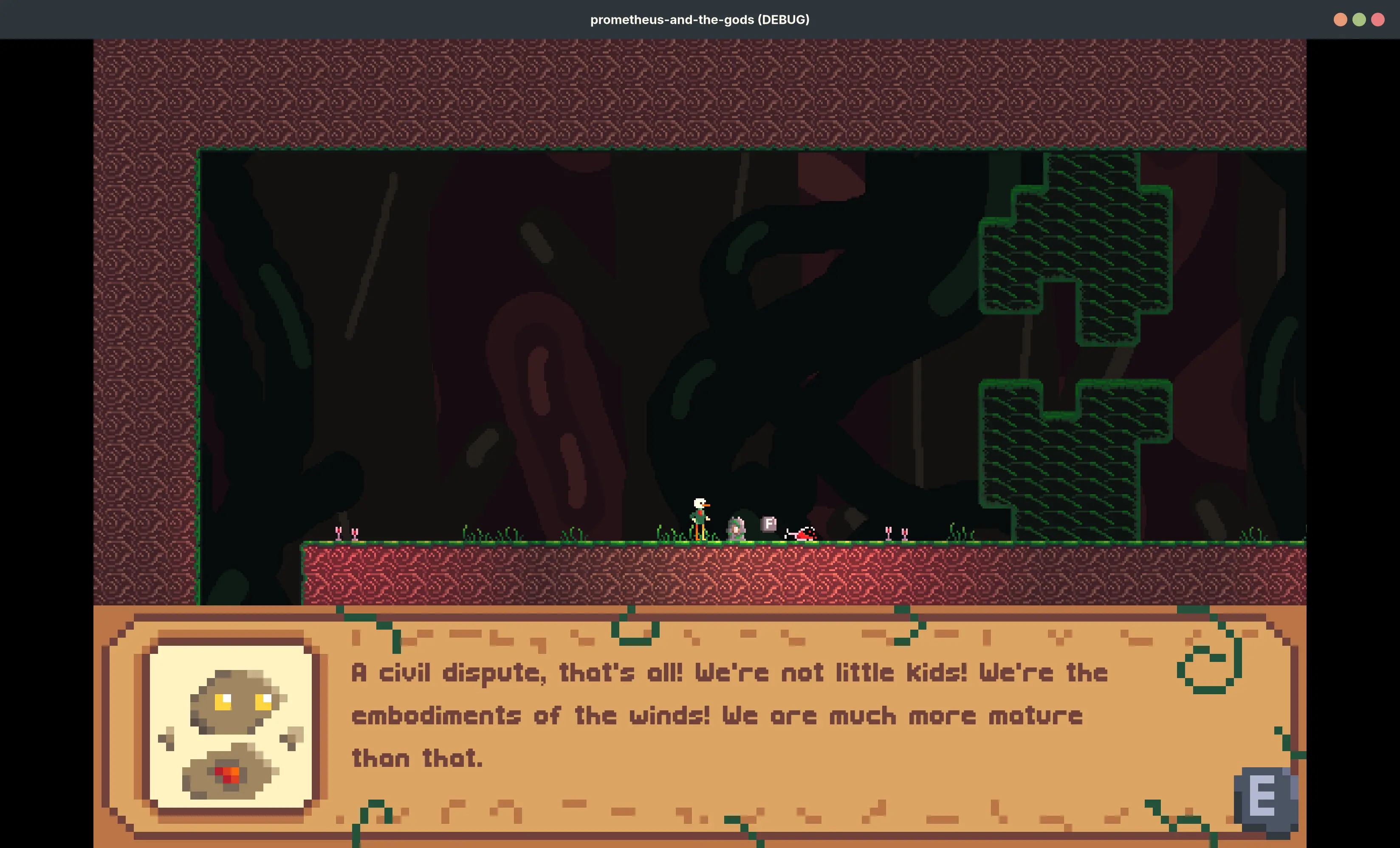
Notus (the coolest embodiment of wind): "A civil dispute, that's all! We're not little kids! We're the embodiments of the winds! We are much more mature than that."
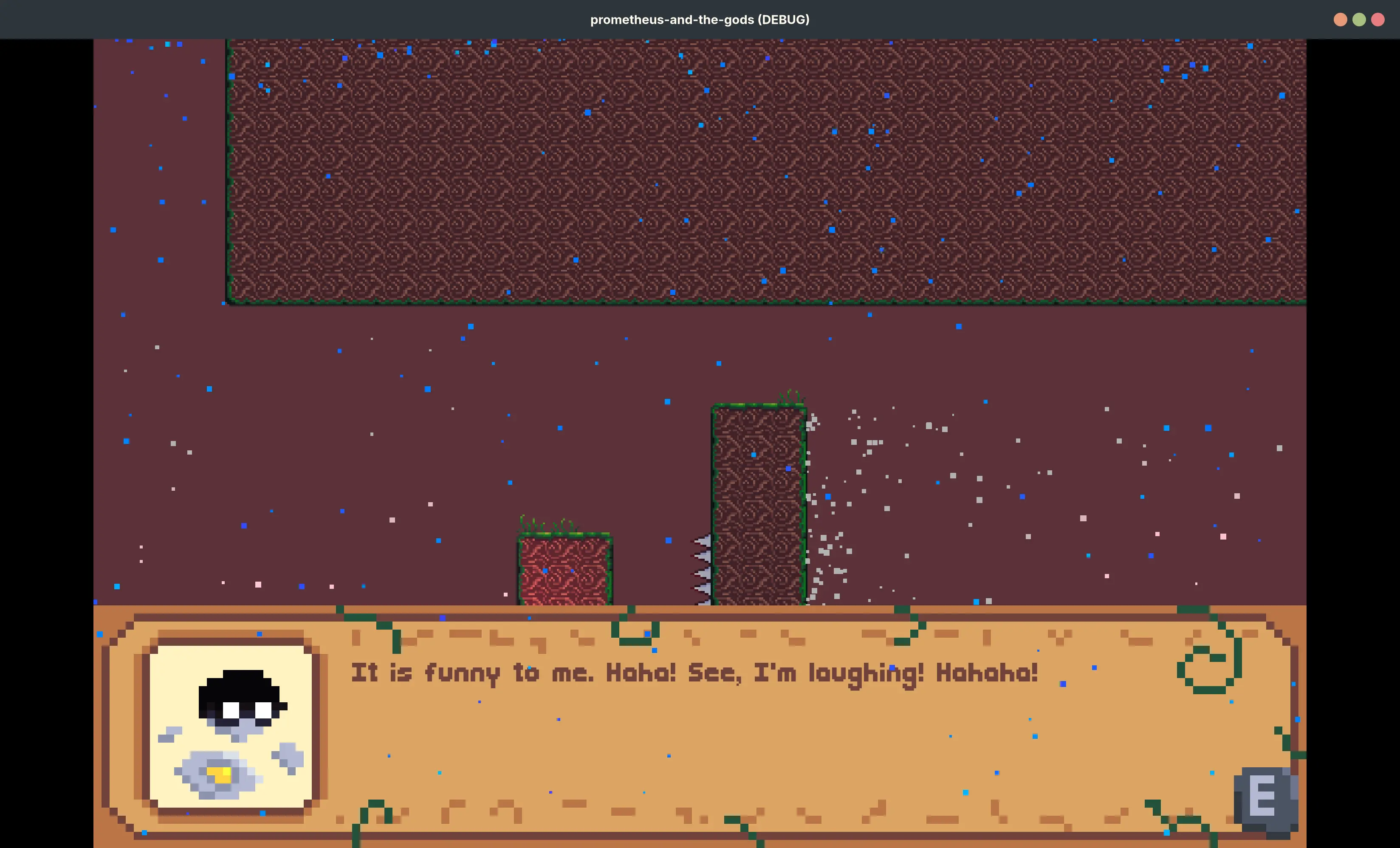
Eurus (the wind of storm): "It is funny to me. Haha! See, I'm laughing! Hahaha!" (note that this screenshot doesn't have the parallax background)
If you haven't noticed already, there's also lighting now! Wine glasses glow red, while totems glow their respective colours (white = the winds, orange = Helios, the sun god, blue = Achelous, the river god)

There's also a scrolling parallax background (using the "ParallaxBackground" node) that may as well have been made with paint. I've tried my best to give them at least a tiny bit of depth, but in the end I just made them very dark so it's harder to see the lack of detail.

Aside from these aesthetic changes, I've also made some more levels! These first few will be about meeting the four winds:

Boreas, the north wind and bringer of cold winter air, can freeze things (e.g. flowing wine). This freezing effect doesn't last very long though, so you need to be very quick and can't stand still for very long!

Zephyrus and Notus have an interesting duality. The former is the west wind, kind and gentle. Due to his connection with springtime and flowers, he can grow seeds to become big plants and can also move delicate flowers around. The latter is the self-proclaimed coolest embodiment of the wind. He brings hot summer air and has the power to decay plants. He really likes killing plants. These two get into a fight over whether to kill a big plant blocking the player's way.

Finally, there is Eurus, the east wind and the wind of storm. According to a Wikipedia article I read, he was revered as the "saviour of Sparta". No idea if that's accurate or not. Under-represented in Greek mythology with little to none of his own, Eurus is easily irritated. When the player complements him in the start of his level, he believes that the player is being deceptive and actually mocking him, and creates a storm to punish him.

I've also experimented with particles to show the wind and rain for the Eurus level, lmk what you think of it!

I've also added some dialogue on death, with different ones depending on how many times you've died (you get some tips on how to complete the level in the first 1-3, but after 5-10 the other characters basically give up on you. For instance, the last screenshot is Eurus laughing at you after death 10)

And finally, I've also FINALLY made my own player sprite. No longer am I bound to HeartBeast's from that tutorial (great tutorial btw, I learnt a lot from it!)

I am very proud of this duck, he is very cute and it's the first time I've made my own player sprite! His legs were the most difficult (they're very spindly, only one pixel wide) and I think they might need some work, the animations still look a bit off. The rest of the animation looks awesome though, and the legs still look fine in my opinion.

here's the duck running:
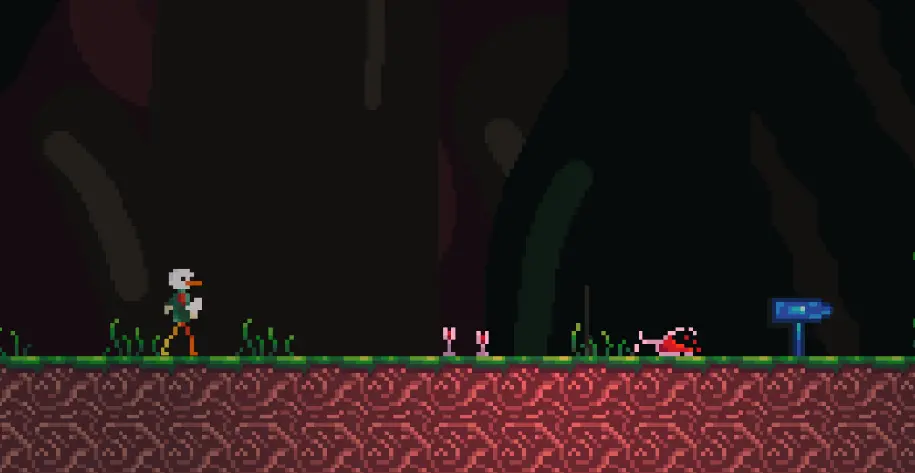
and jumping:

313


I recently noticed video about the SpacetimeDB and how it is used for the backend of Bitcraft. I got interested in that and noticed that it has (unofficial) Godot support. Have anyone tried to use this (or SpacetimeDB in general)?

314


Hi!

This might be an unusual post. Certainly is my first time doing one like this. I'll cut straight to the point.

I want clean and polished FOSS games for the F-Droid repository.

Looking for developers who want to contribute to open source but also want to claim this kind of bounty.

It isn't much at all, but I have a $500 budget. I'm a college student with no more free time to do this myself. This is a goal I still want to see reached though.

The game(s) don't have to be over complex. Just enough to hit that mobile game itch. Maybe I don't know exactly what I want, but something is just missing from these F-Droid games.

If you even have a great mobile game idea, but needed money for assets or motivation.

All I need is a decent Godot developer. Whether you just want to help out the community, a high school student trying to find a gig, or both. Looking for anyone who can put some time into this.

REQUIREMENTS

  • Godot Engine only
  • AGPL Licensing
  • Publish to FDroid under a group name
  • Are okay with limited in-game advertisements (1. on certain games 2. if I find a decent ad system)

PAYMENT OPTIONS

  • Monero
  • Wire Transfer
  • Wise International Transfer
  • Check in Mail
  • Zelle
  • Other?

Send an email if you're interested, but I do want to have comments left here just for future reference.

fosswork@waservices.dev

Some questions to all F-Droid users here:

  • What do you say on the current state of F-Droid games?
  • What separates slop from a good mobile gaming experience?
  • What games do you want to see on F-Droid?

My definition of a mobile game is quick and digestible. Something for an on-the-go and addicting experience.

Tell me your thoughts below. Am I overreaching? Am I underpaying? Should I just make this a game jam? I'm super sick right now so maybe my thoughts are clouded.

315
316


Hi everybody. We can take a look at the next episode — the seventh one already — of our series about raymarching technology, which we use for modeling 3D scenes in 2D shaders. This time, we’ll focus on a simple algorithm that allows us to repeat the display of an object infinitely, without the need to write any complex code.

317


real reasons why people DON'T use opensource:
- bugs in apps with no community on irc/discord/matrix/xmpp to ask about (yes, i talk about you @libreoffice )
- assholes in communities if such exist (yes i talk about archlinux and @godot )
- enshittification and slowly going back to not being opensource (yes i talk about @mozilla )
- and if all of the above combined it just creates resistance against opensource

small opensource can do nothing until big opensource does the step…

318


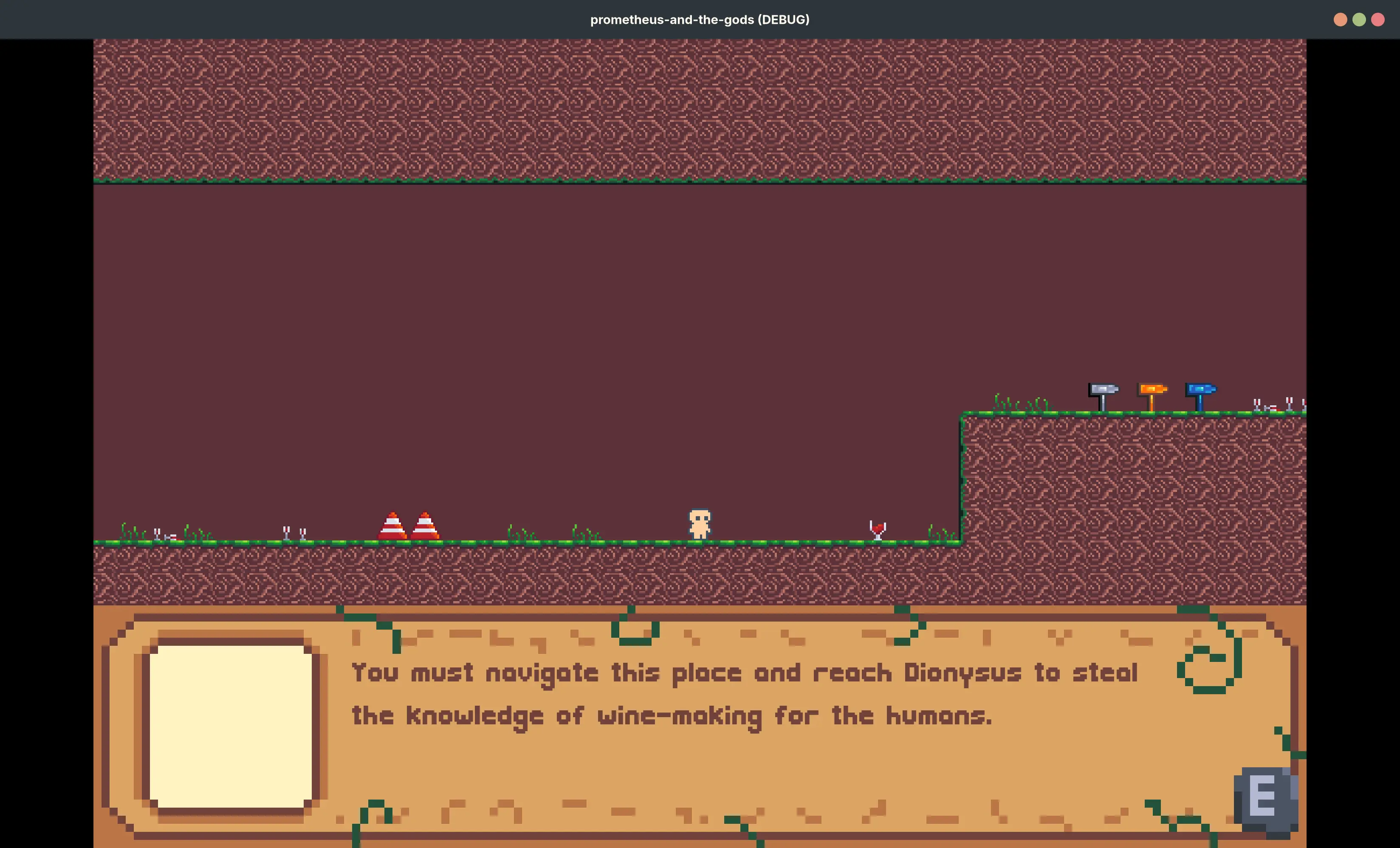
Hi all, I'm making a game where you, the player, is tasked by Prometheus, the Titan who stole fire from the gods, to "steal fire" from the 12 Greek Olympian gods. First stage will be on Dionysus, the god of wine and ecstasy.

I've got the tutorial section mostly done now, and I think the pixel art I made looks great! I still need to eventually get on to making my own player sprite though...

What do you all think of this? Do you think anything needs to be added to make the world look better (e.g. more variety in the tileset maybe?) or have any ideas for some good puzzles I could add?

some more screenshots:
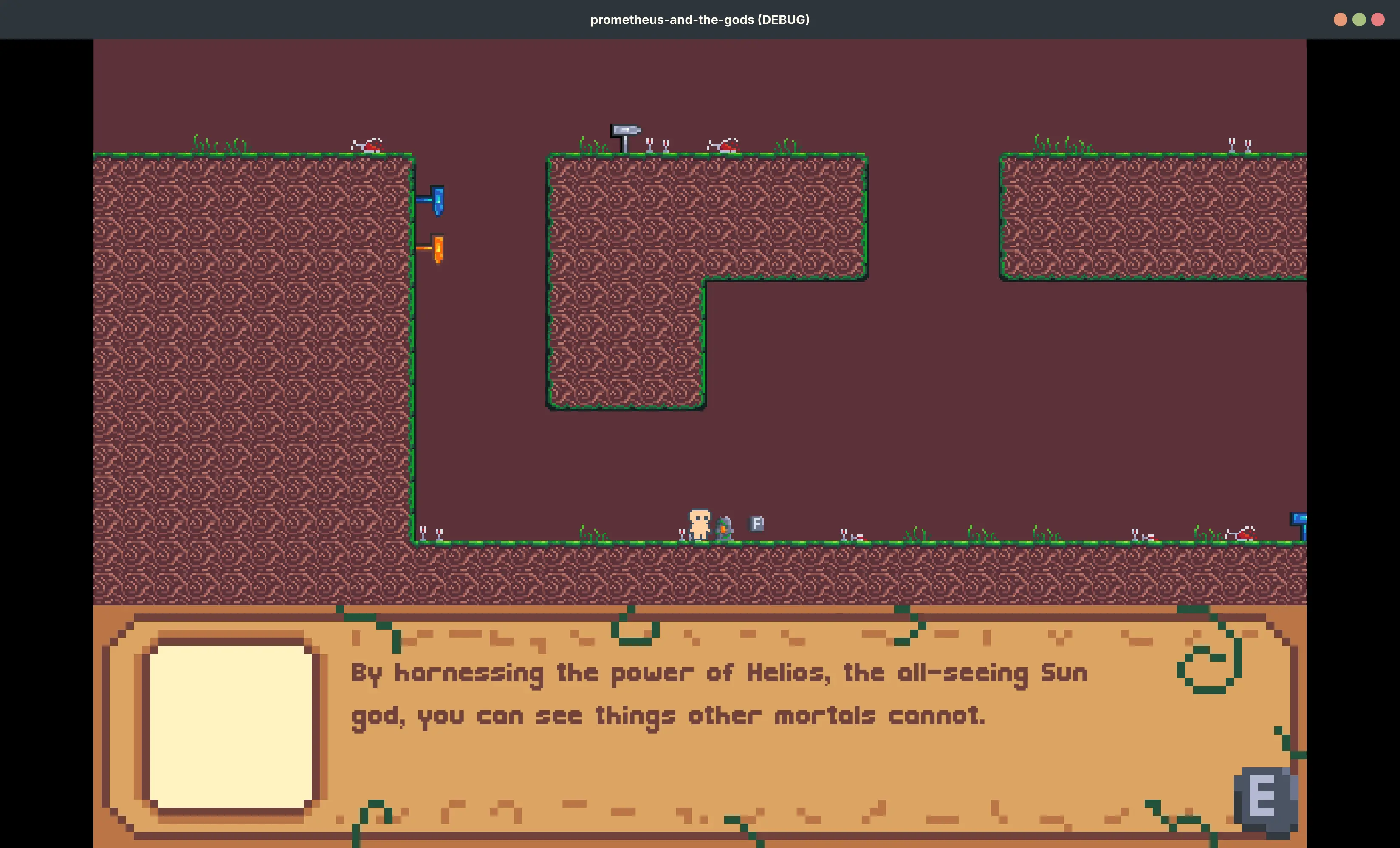
Player is interacting with a rock covered in vines with an orange core. Dialogue box reads: "By harnessing the power of Helios, the all-seeing Sun god, you can see things other mortals cannot"

Player is interacting with a rock covered in vines with an whitish grey core. Dialogue box reads: "By harnessing the power of Anemoi, the four winds, you can control air itself to eliminate obstacles in your adventure."

Player is interacting with a rock covered in vines with an blue core. Dialogue box reads: "This allows you to lower the sea level to create a path forward. Not parting the seas, that's Moses's thing."

The player is in a dark brown underground chamber with lots of grasses and small wine glasses. Three signs, one white, one orange, and one blue, point towards the right. Traffic cones appear to the left of the player. The world is made of pixel art
319
320
Background blur shader (godotshaders.com)


I translated a blur shader to Godot. I found that this type of background blur is missing from the free library so I decided to share.

321
322


Ever wondered what happens when you mix:

Stickmen with anxiety,

A totally “safe” bunker,

A resource system that hates you,

And a card mechanic designed by someone who watched too much chaos theory?

Well, now you don’t have to — because I made A Survival Game: a simulation/strategy roguelike where you’re always one bad card away from total disaster.

👨‍💻 Why? Because I’m a developer with questionable priorities and too much love for watching virtual stickmen fail at life.

🃏 Features: A full card-based control system

Resource micromanagement that makes you question your decisions

Stickmen that level up, change appearance, and complain a lot

Permadeath, obviously

A Monster Wiki, because everything wants to kill you, and you need receipts

A “Mercy DLC” where you can literally pay $1 to go back in time (feels very on-brand for debugging, tbh)

😅 Dev things I learned the hard way: Implementing permadeath logic is easy. Explaining it to confused players? Not so much.

Saving in HTML5 is a feature I now worship.

Stickmen animations don’t need to be fancy if they scream internally.

💾 Tech stack? Godot, lots of JSON, and the occasional sacrifice to the RNG gods.

💥 Play it. Break it. Tell me it’s terrible. Or great. Or both.

Link: https://danielgamedev14.itch.io/a-survival-game (Warning: may cause stickman-related stress.)

#GodotEngine

323


Games mentioned:

Seeds of Calamity

Take part in healing after the Great Calamity. Tend your farm, complete quests for the villagers, and explore dungeons filled with challenge and treasure in this cozy, solo-developed farming sim. Build a new life in a recovering world with your fluffy Spellbook Companion.

https://store.steampowered.com/app/1780070/Seeds_of_Calamity/

Screaming Head

Screaming Head is a psychedelic 2d platformer about a walking head that fights his enemies using the power of scream. It is darkly comedic, flips familiar gaming concepts on its head and features 90s-MTV-Liquid-Television-style animations and a punchy hip-hop-inspired soundtrack.

https://store.steampowered.com/app/3372460/Screaming_Head/

Burn With Me

Burn your deck and discover the depths of obsession.

https://store.steampowered.com/app/2954010/Burn_With_Me/

Super Adventure

Turn around to parry and block! Equipped with a shield on your back, jump your way through vivid levels, meet funny characters, and face challenging bosses. Fight using a quick-firing Alien Blaster or a melee-focused sword! Choose the path you want to go in this SUPER ADVENTURE!

https://store.steampowered.com/app/3578820/SUPER_ADVENTURE/

Blackhill Keep: Heir of the Night

Explore the cursed Blackhill Keep in this survival horror immersive sim. Solve environmental puzzles, fight or flee dangerous creatures, manage dwindling resources, and survive in this labyrinth of gothic horror.

https://store.steampowered.com/app/3598680/Blackhill_Keep_Heir_of_the_Night/

324
325


Hi everyone! This time, we’ll take a short break from shaders and look at an equally interesting technology — particle systems in Godot 4. It's not the first time I’ve showcased something like this — for example, the fire and smoke we had here quite recently. In this tutorial, we’ll create a quite useful effect: a trail behind a moving 3D object, with the trail based on the same shape as the object itself.

view more: ‹ prev next ›